
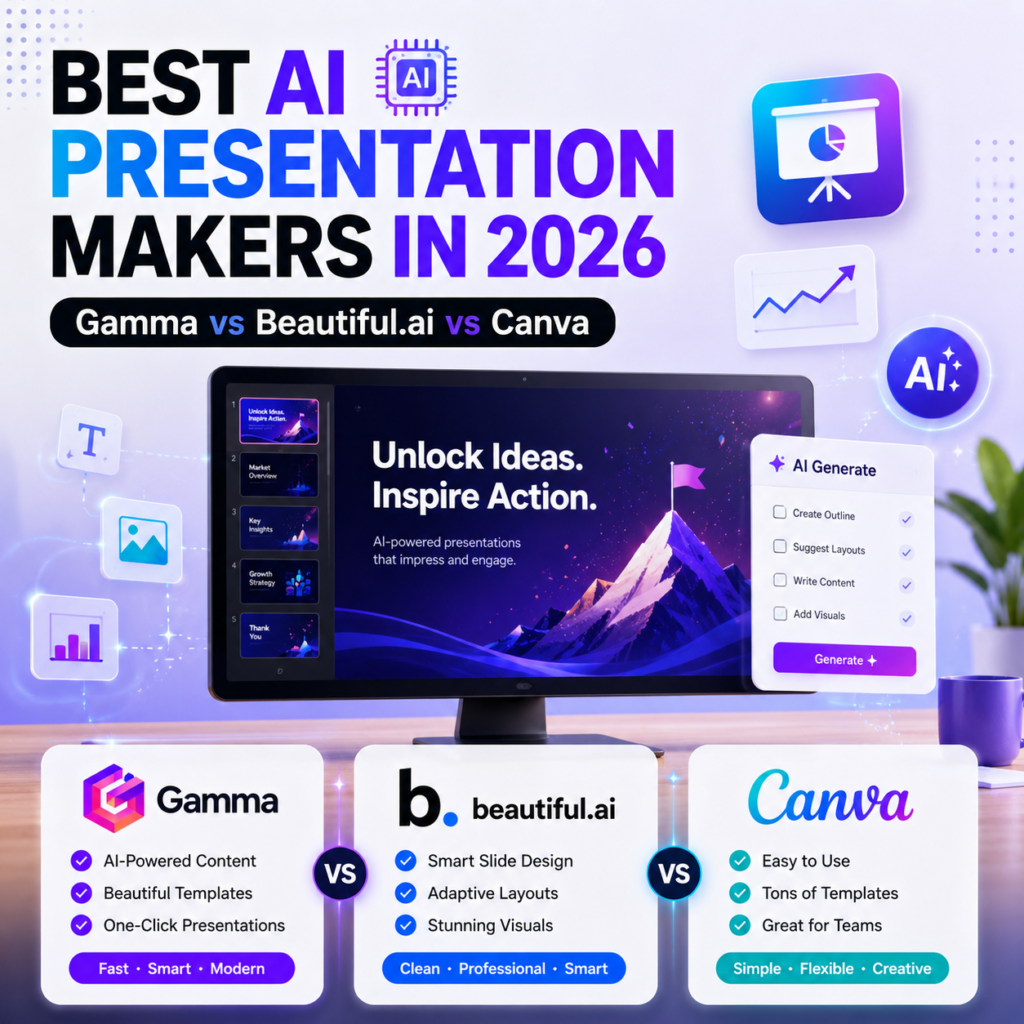
Best AI Presentation Makers in 2026
The blank slide has been the enemy of every student and marketer for as long as PowerPoint has existed. In 2026, that problem is mostly solved describe what you need, and an AI generates a full deck with layout, text, and images in under a minute. The part nobody tells you: it still needs real editing afterward.
I tested the current leaders on the exact same brief a 10-slide pitch deck, a 6-slide quarterly review, and a 12-slide product intro — to see which one actually saves time versus which one just looks impressive in a demo video.
A Quick Note Before We Start: Tome Is Gone
Ok now lisen If you’ve read an older “best AI presentation tools” article, it probably recommended Tome. It shut down its presentation product in 2025 after struggling to turn its huge user base into revenue, and pivoted to sales automation instead. If you’re still hunting for it, most former Tome users have moved to Gamma, since it has the closest narrative-driven style.
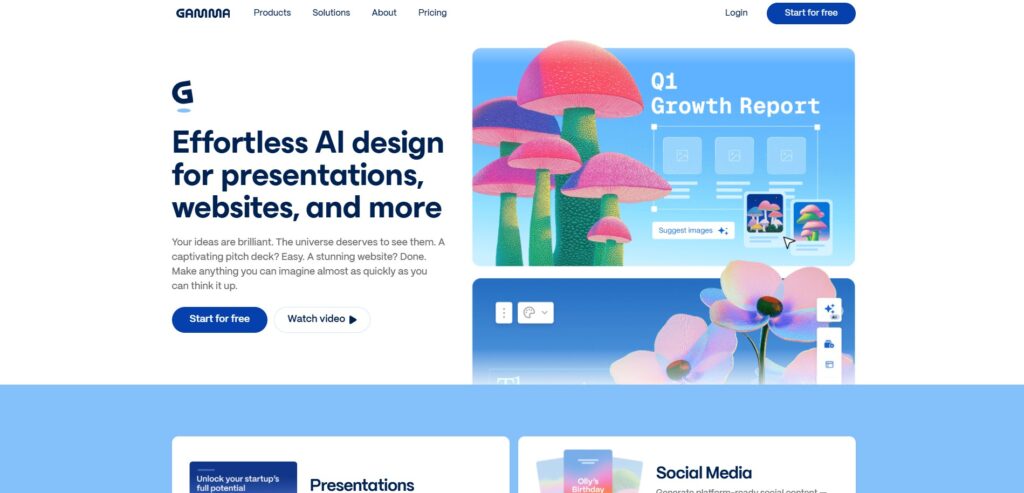
Gamma Fastest From Prompt to Polished Deck
So Gamma is the one to beat right now. Give it a topic or paste your rough notes, and it produces a complete, well-designed presentation in under a minute, including a conversational agent you can chat with to refine individual slides afterward.
The honest tradeoff: it’s genuinely fast, but the AI sometimes picks images that don’t quite match your slide’s message, and generated text can feel a little generic until you personally edit it.
Best for: Quick decks, internal strategy docs, anyone who wants speed over pixel-perfect control
Pricing: Free tier (limited credits); Plus around $8-10/month (approx. PKR 2,240-2,800/month)
Watch out for: PowerPoint export sometimes needs cleanup afterward test the export before you rely on it for something high-stakes
Gamma: https://gamma.app
Beautiful.ai Best for Consistent, On-Brand Design
I personally Try this also so it takes a different approach entirely its Smart Slides system automatically rebalances layout, spacing, and hierarchy every time you add content. Drop in a sixth team photo, and the grid resizes itself without you touching a thing.
It’s more of a design assistant than a content writer, though. If you want the AI to actually write your presentation from scratch, Gamma does that job better.
Best for: Teams that need every deck to look consistently on-brand
Pricing: Around $12/month (approx. PKR 3,360/month)
Watch out for: Non-English support is genuinely weak fonts and character handling for non-Latin scripts are limited
Beautiful.ai: https://beautiful.ai
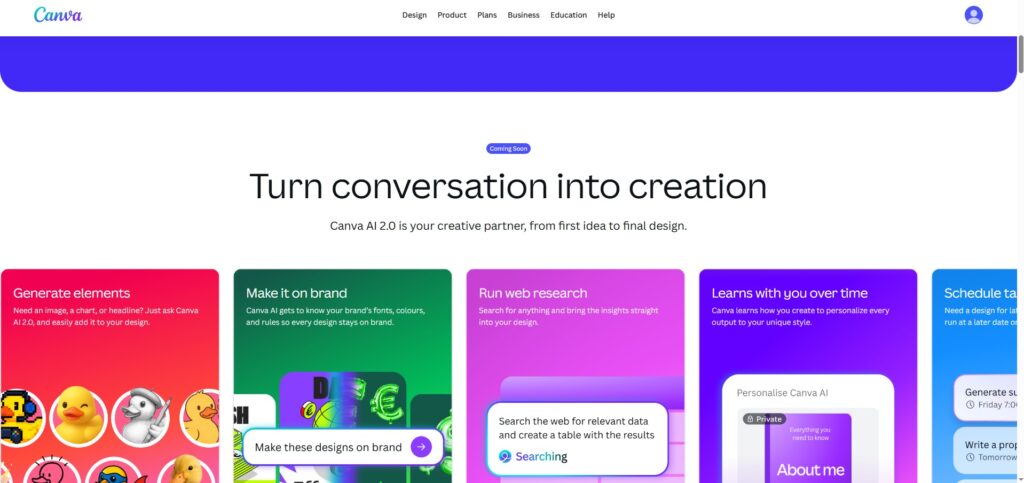
Canva Magic Studio Best Free, Familiar Option
I know You’ve probably already used Canva, and that familiarity is exactly its advantage. Its AI features sit inside the drag-and-drop editor you already know, backed by one of the most generous free tiers and template libraries in the category.
Best for: Students, small businesses, non-designers who want an easy, free starting point
Watch out for: AI-generated text tends toward generic phrasing for anything that needs sharp, specific messaging
Canva: https://canva.com
NotebookLM Best Free Option for Document-Based Decks
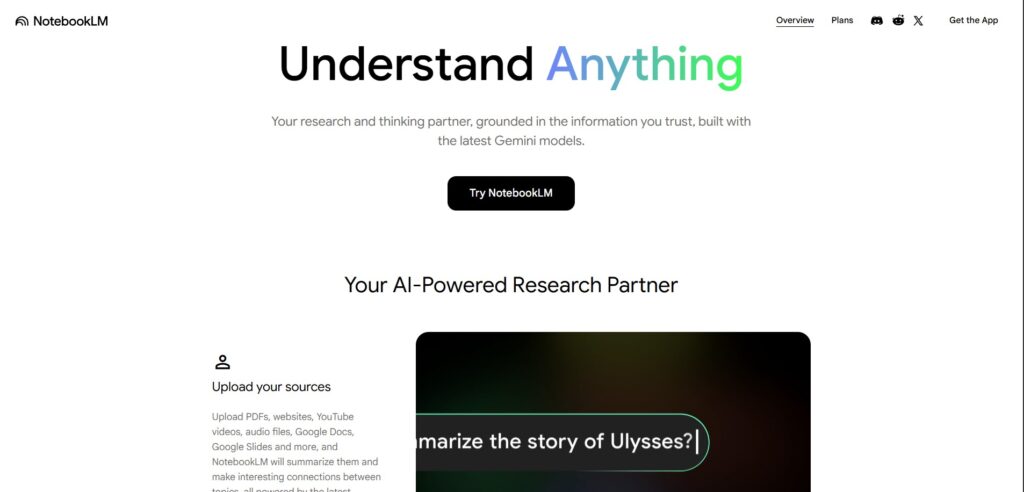
Google quietly added slide generation to NotebookLM in late 2025, and it changed the free-tier competition overnight. The key difference: it grounds every slide in documents you actually upload, instead of generating generic AI guesses.
Best for: Students and researchers turning their own notes or papers into a deck
Watch out for: PPTX export isn’t reliable yet — treat it as a drafting tool, not a final-file generator
NotebookLM: https://notebooklm.google.com
Which One Should You Actually Use?
- Need speed and don’t mind editing after? → Gamma
- Need every deck perfectly on-brand? → Beautiful.ai
- Want free and familiar? → Canva
- Working from your own notes or research documents? → NotebookLM
A Quick Reality Check
Based on real testing across the industry, AI-generated decks typically still need 15 to 30 minutes of manual adjustment before they’re presentation-ready. These tools eliminate the blank-page problem they don’t eliminate your job of making sure the content is actually right.
FAQ
Is Tome still a good AI presentation tool in 2026? No — Tome shut down its presentation product in 2025. If an article still recommends it, that article is outdated.
Is there a completely free AI presentation maker? Yes — Canva and NotebookLM both offer genuinely usable free tiers, though NotebookLM’s PowerPoint export is less reliable than Canva’s.
Can AI make a full presentation from just a topic? Yes, tools like Gamma can generate a complete deck from a single prompt, though the result usually needs real editing before it’s presentation-ready.
Which AI presentation tool is best for students? NotebookLM if you’re working from your own notes or papers, or Canva if you want a free, familiar drag-and-drop option.