
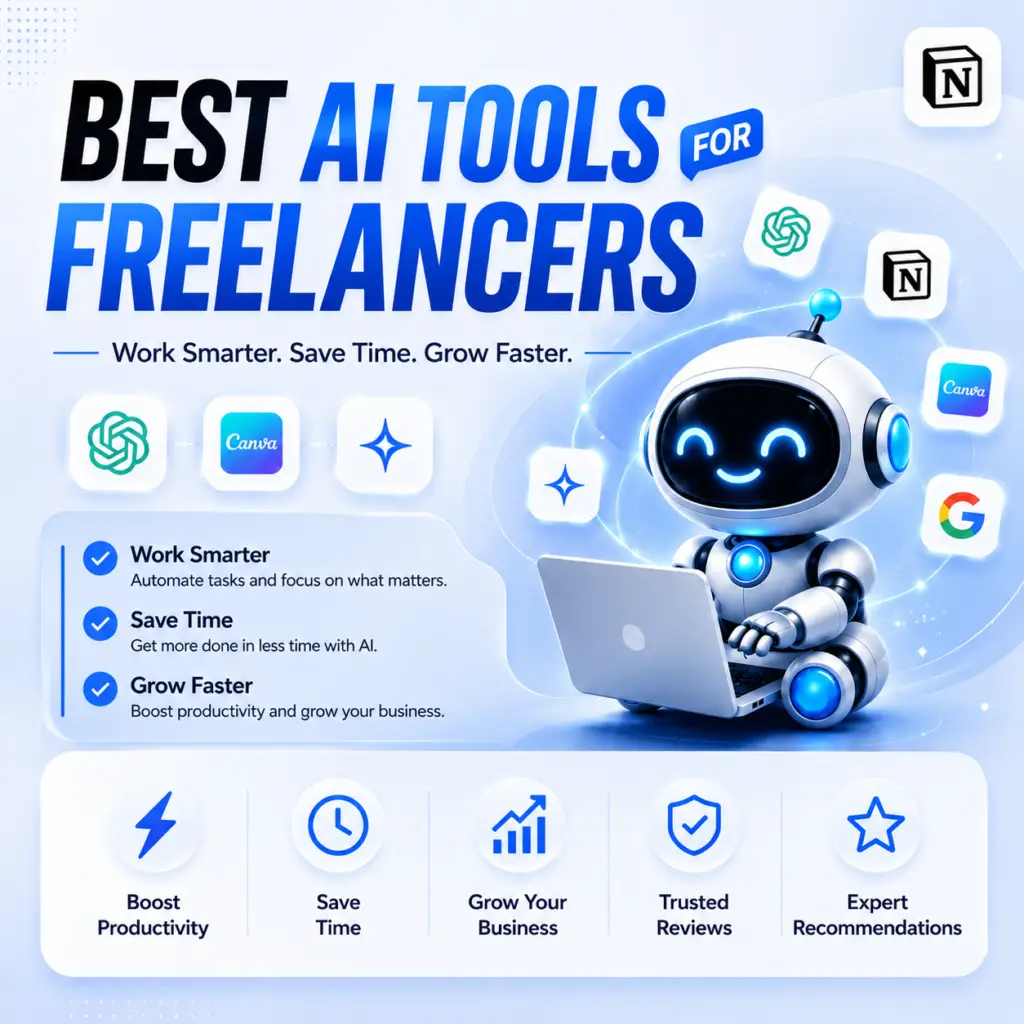
Best FREE AI Tools for Freelancers in 2026
Make More Money Without Spending Money✅
The Reality
I was working I was drowning in admin work.
40 hours a week. Emails. Proposals. Invoicing. Client follow ups. Admin. Admin. Admin hahah.
Actual billable work? Maybe 25 hours.
Then I found free AI tools that actually work and its help ma alot.
So the result is 15 extra billable hours per week. Same clients. Same quality. Zero extra cost and also free to use.
So here what stuck i found and give you same good details.
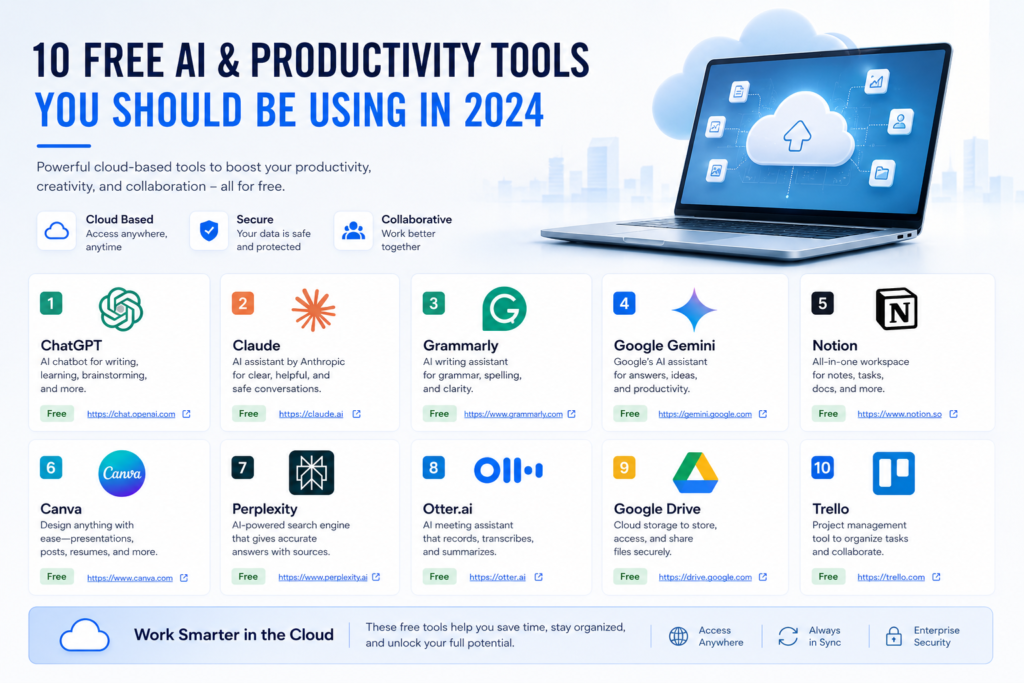
ChatGPT Free /Your Billable Productivity
What I use it for:
- Mostly i use it to Write client proposals in 30 minutes
- Draft blog posts for clients (they edit)
- Research client industry in like 20 minutes
- Brainstorm campaign ideas
- Write video scripts
Real truth: Free ChatGPT output is never perfect. But it’s 80% there. You fix 20%. Charge full price.
How I use it: Client asks something I’d spend 3 hours on. I spend 45 minutes with ChatGPT draft, 45 minutes polishing. Deliver in 90 minutes. Charge for 3 hours.
Cost: FREE (with usage limits, but fine for freelancers and if you buy it it will be more productive)
If you hit limits: ChatGPT Plus is $20/month USD (≈ PKR 5,600/month), but free version handles 90% of freelance work.
ChatGPT Free: https://chat.openai.com
Claude Free / For Careful, Detailed Work
Actually Claude free tier is best for:
- Long documents (editing, rewriting)
- Complex analysis
- Detailed reports
- When you need quality over speed
Honest take: I thing If your work is 1,000-word articles or less, ChatGPT free is enough. If you’re writing 5,000+ word reports, Claude free tier is worth learning.
Cost: Completely FREE (with reasonable daily limits)
Claude Free: https://claude.ai
Grammarly Free Client Communication
Most of the time i realise Your clients send messy emails. Unclear briefs. Confusing feedback.
SO i Use Grammarly free to write back clearly. Professional. Fast.
Also shows you’re organized. Clients trust you more.
What free version does:
- Grammar checking
- Spell checking
- Basic tone suggestions
- Clear writing tips
Cost: Completely FREE✅
If you want plagiarism detection: Grammarly Premium is $12/month USD (≈ PKR 2,800/month), but free version is solid.
Grammarly Free: https://www.grammarly.com
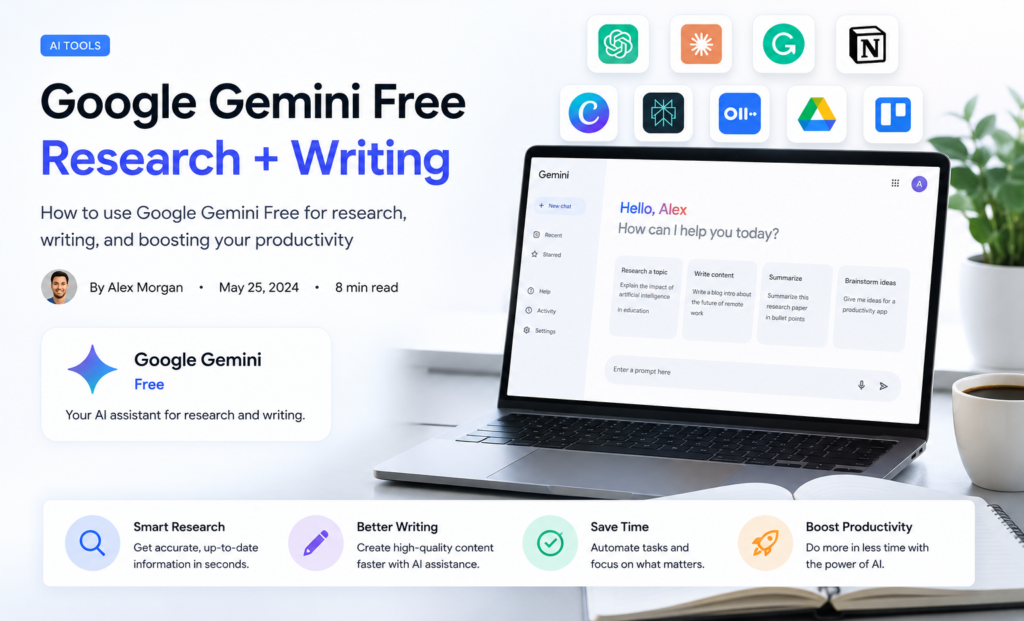
Google Gemini Free Research + Writing
I See Google’s AI is genuinely good and completely free with Gmail account.
Gemini free does:
- Research and summarization
- Writing help
- Problem explaining
- Brainstorming
Works in Google Docs, Gmail, anywhere you and also easy your work.
Cost: Completely FREE
Bonus: If you have .edu email (or know someone who does), you get Gemini Pro free for 12 months + NotebookLM + 2TB storage.
Google Gemini: https://gemini.google.com
Canva Free Design Without Being Designer
If you dont no how to Design any thing YOu Must try Canva
Canva free generates:
- Social media graphics
- LinkedIn posts
- Instagram graphics
- YouTube thumbnails
- Presentations
Not perfect. But clients approve. When You deliver.
Cost: Completely FREE
Canva Free: https://www.canva.com
Perplexity Free Research With Citations
OK When you need to research something for client work:
Perplexity free gives answer + sources. You see exactly where info came from.
Instead of: Googling 2 hours, reading 10 articles, hoping you got it right but yoou have to save your time insted.
You get: Answer in 5 minutes with citations and perfect.
Cost: Completely FREE
Perplexity Free: https://www.perplexity.ai
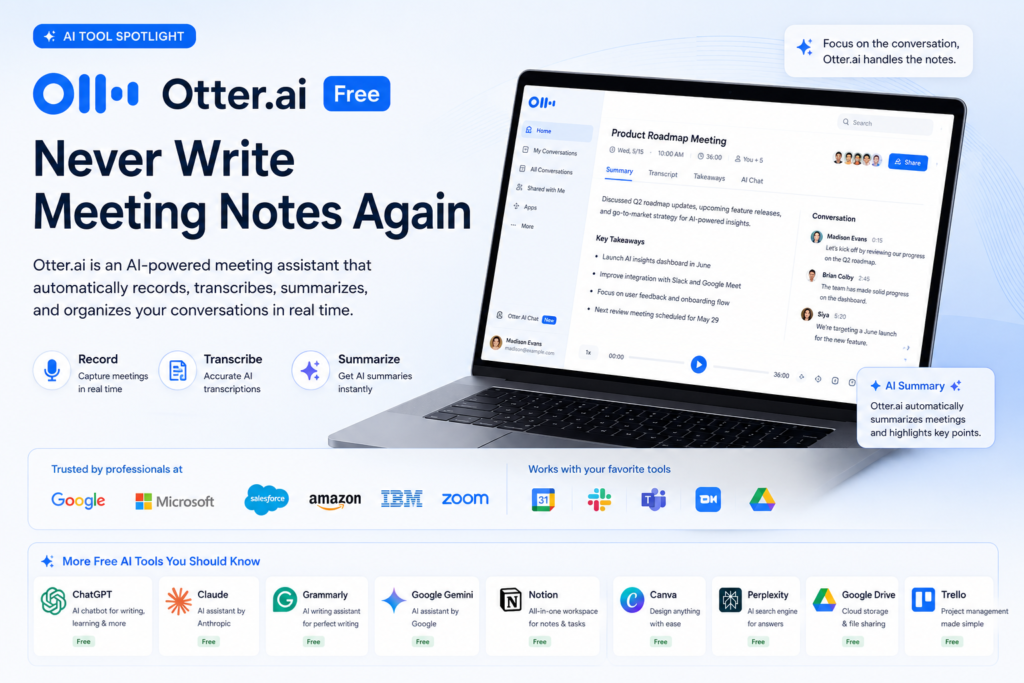
Otter.ai Free Never Write Meeting Notes Again
Client call tomorrow. You want notes but typing kills focus.
Otter free:
- Records meetings
- Transcribes automatically
- Summarizes key points
- Generates action items
- Creates searchable notes
At end of call: You have exact notes. Nothing missed.
Cost: Completely FREE (limited to 600 minutes/month, but that’s 15 client calls)
Otter.ai Free: https://otter.ai
Google Calendar Free Protect Your Billable Time
I Saw its Simple but works.
Mark “focus blocks” on calendar when you’re doing deep work. Block meetings during those times.
It Protect your billable hours.
Cost: Also Completely FREE
Trello Free Basic Project Management
Keep client projects organized and well manged.
Trello free lets you:
- Create boards per client
- Track project stages
- Add checklists
- Set deadlines
- Assign tasks
Cost: Completely FREE
Trello Free: https://trello.com
Google Drive Free Store Everything
You can use All client documents in one place. Organized. Searchable.
Drive free gives:
- 15GB storage (plenty for most freelancers)
- Share with clients safely
- Version history
- Collaboration features
Cost: Completely FREE
Google Drive: https://drive.google.com
The Freelancer FREE Stack That Works
For writers/content creators:
- ChatGPT free (writing)
- Claude free (detailed editing)
- Grammarly free (proofreading)
- Google Gemini free (research)
- Perplexity free (citations)
- Notion free (organization)
- Otter free (call notes)
- Canva free (graphics)
For designers:
- Canva free (graphics)
- ChatGPT free (copy/concepts)
- Notion free (project management)
- Google Drive free (file storage)
- Trello free (task tracking)
For developers:
- ChatGPT free (coding help)
- Claude free (complex logic)
- Notion free (project tracking)
- Otter free (call notes)
- Google Drive free (code storage)
For consultants/strategists:
- Claude free (analysis, strategy)
- Perplexity free (research)
- Notion free (organizing insights)
- Google Drive free (document storage)
- Otter free (call notes)
How This Saves Time (No Money Spent)
Scenario: You’re a content freelancer
Old way:
- 3-hour blog post: $300 charge
- 10 client blogs/month: $3,000 income
- Time: 30 hours
- Hourly rate: $100
With FREE AI:
- 3-hour blog post: Now 90 minutes with ChatGPT free
- 10 client blogs/month: Still $3,000 income
- Time: 15 hours
- Hourly rate: $200
Same money. Half the time.
Now you can take double the clients. Or same clients at higher rates. Or take time off.
Cost to you: $0
This is important: AI is your assistant. You’re still the professional. You’re still responsible for quality.
When To Upgrade (Optional)
You only need paid versions if:
- ChatGPT Plus ($20/month USD ≈ PKR 5,600) — If free version’s usage limits hurt you (limits are generous though)
- Grammarly Premium ($12/month USD ≈ PKR 2,800) — If you want plagiarism checking
- Notion Plus ($10/month USD ≈ PKR 2,800) — If you manage 20+ clients (free handles 10 easily)
- Canva Pro ($13/month USD ≈ PKR 3,640) — If you design daily (free works for occasional use)
But honestly? You can run a profitable freelance business with ZERO paid tools.
Honest Warnings
AI doesn’t replace your judgment. Handle:
- Client relationships
- Quality control
- Strategic decisions
- Pricing
- Accountability
Clients can tell when you use AI badly. If output is generic, boring, robotic—client notices. Use AI to speed up, not to phone it in.
You still need your core skill. ChatGPT won’t make you a good writer if you’re bad. It makes a mediocre writer slightly faster. That’s it.
Quick FAQ
Q: Can I charge full price for AI-assisted work? A: Yes. You’re not charging for the AI. You’re charging for your judgment, edits, client relationship, and accountability.
Q: Will clients know I used AI? A: Not if the work is good. If the work is generic, yes. That’s on you, not the tool.
Q: Which one tool do I start with? A: ChatGPT free. Use it for 30 days on real client work. Measure time saved. Then add Notion free for organization. That’s 80% of value.
Q: Is AI going to replace me? A: No. Freelancers using AI will replace freelancers not using AI. That’s the gap.
Q: Can I really use only free versions? A: Yes. Most freelancers don’t need paid versions. Free tools are genuinely powerful.
Q: How do I know if upgrading is worth it? A: If a tool saves 4+ hours per month, the cost pays for itself. Most freelancers save 8-10 hours/month with this stack.
ChatGPT Prompts for Freelance Proposals (5 Real Templates)
How to Organize Client Work With Notion Free
Time Management for Freelancers Using Free Tools
Freelance Writing Workflow: From Brief to Delivery
How to Price Freelance Services in 2026
Best Free AI Tools for Students 2026 ( )
10 Best Free ai Tools in 2026 (https://aihowk.com/10-best-free-ai-tools-in-2026-for-beginners-tested-reviewed/)
Last Update 03 JUL 2026
More Articals
Best AI Agents for Business Automation 2026
AI Agents vs AI Tools Which is Best in 2026?
Best AI Agent 2026: Detailed Reviews & Comparison (Zapier vs Make vs n8n vs Lindy)