
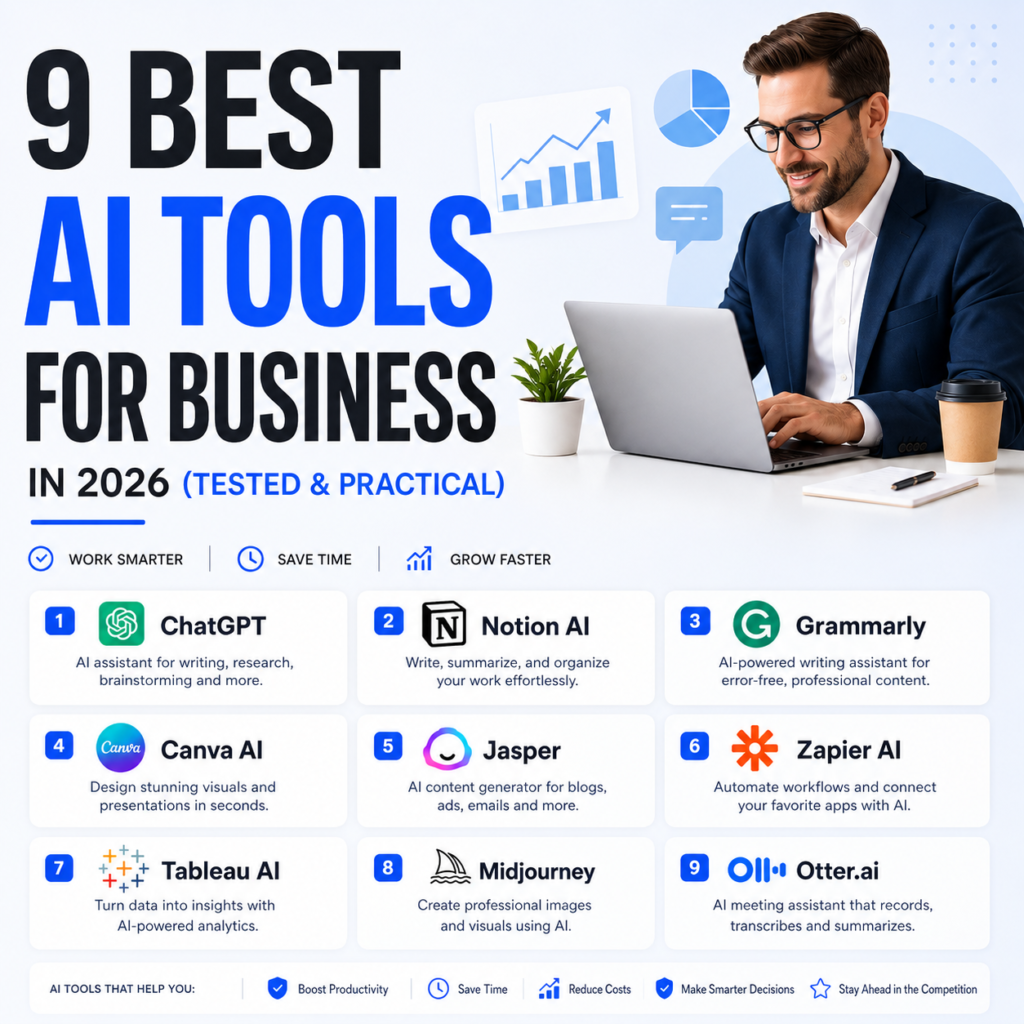
9 Best AI Tools for Business in 2026
Running a small business in 2026 without AI tools is a bit like running a restaurant without a refrigerator😄. You can technically do it. But you will work twice as hard, lose things that should have been preserved, and watch competitors move faster while you are doing manually what they automated six months ago.
The businesses getting the most value from AI right now are not the ones who found the most impressive demo. They are the ones who identified their biggest operational bottleneck and found a tool that directly addresses it.
This guide covers nine tools worth your time as a small business owner, organized by what they actually solve rather than by which ones have the best marketing budgets.
ChatGPT Best All Purpose AI for Small Business
I personally Use Chatgpt a Lot in my personal Bussines and ChatGPT remains the most versatile and capable AI assistant available in 2026. For small business owners who need one tool that handles a wide range of tasks or drafting marketing copy, answering customer questions, explaining a contract clause, brainstorming product ideas, or preparing for a difficult conversation and ChatGPT is still the safest starting point.
So the practical advantage over more specialized tools is flexibility. Your business does not run on a single category of task. ChatGPT handles the variety without requiring you to maintain subscriptions to five different tools.
What ChatGPT does not do well: reliable real time research with citations. For that, use Perplexity (covered below).
Best for: Marketing copy, brainstorming, drafts, customer communication templates, general business tasks.
Free tier: GPT-4o mini with limited access to the stronger model.
Paid plan: Plus at $20/month (approx. PKR 5,600/month).
ChatGPT: https://chat.openai.com
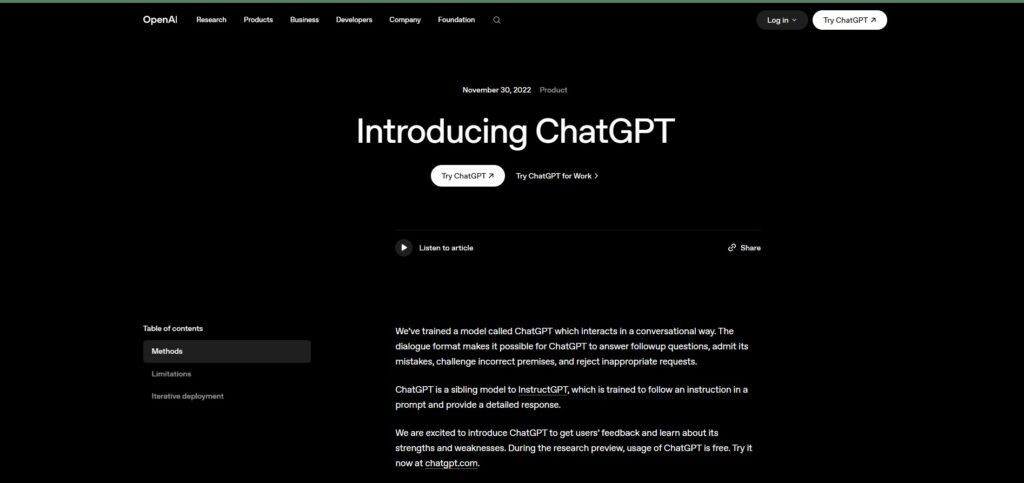
Claude Best for Serious Writing and Document Work
I Recomed you If your business produces a lot of written content or proposals, reports, long form marketing, client-facing documents so Claude is the tool most likely to improve the quality of that output.
The difference between Claude and most other AI assistants is not raw capability. It is that Claude produces writing that does not sound like it was written by an AI. The sentence variety is natural. The tone adjusts without being told to. When you give it a complex brief with multiple requirements, it honors all of them.
Now my persoal recomendation For business owners specifically, Claude works well for drafting proposals, creating training documentation, writing email sequences, and handling any writing task where the output will be read critically by a client or partner.
Best for: Proposals, reports, long-form content, client-facing documents, email sequences.
Free tier: Claude Sonnet 4.5 with daily message limits.
Paid plan: Pro at $20/month (approx. PKR 5,600/month).
Claude: https://claude.ai
Gemini Best for Google Workspace Users
OK now you all know about Gemini lives inside Gmail, Docs, Sheets, Slides, Meet, and Chat to draft, summarize, analyze, and pull answers from Drive which means if your small business runs on Google Workspace, Gemini works in the tools you are already using rather than adding another app to your workflow.
The practical time to savers are specific. In Gmail, it drafts replies and summarizes long email threads. In Docs, it helps you structure and expand content. In Meet, it generates meeting summaries and action items automatically after calls end. In Sheets, it analyzes data and answers questions in plain English without requiring formulas.
The cumulative effect for a small team is significant. Tasks that used to require switching between tools and spending five minutes manually get handled in thirty seconds without leaving the app you were already in.
Best for: Any business already using Google Workspace for email, documents, and video calls.
Free tier: Gemini Flash with basic Workspace integration.
Paid plan: Google AI Pro at $19.99/month (approx. PKR 5,597/month) for full Workspace integration.
Gemini: https://gemini.google.com
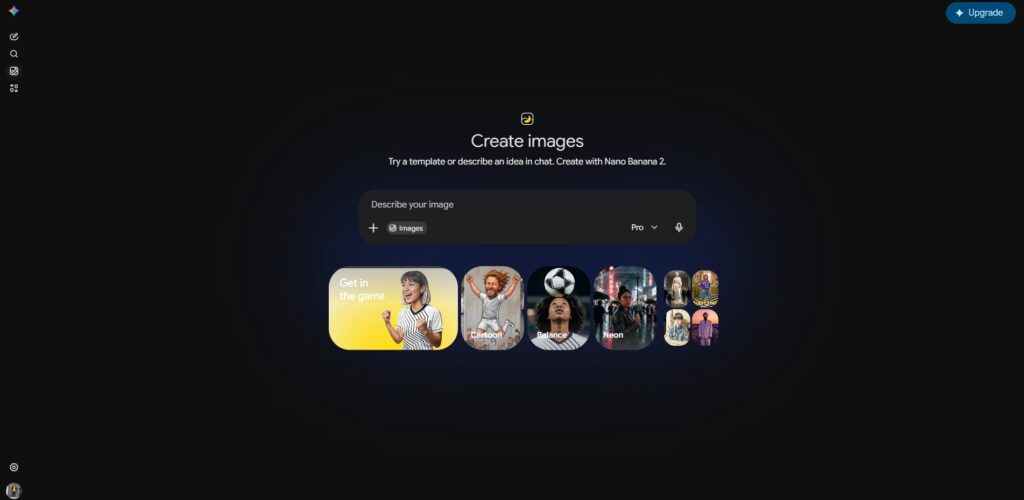
Canva AI Best for Marketing Visuals Without a Designer
I personally Use Canva ai alot in my projects Magic Studio drafts layouts, resizes for every channel, removes backgrounds, expands images, and writes first-pass copy so a small team ships ads, carousels, and docs without a designer on call.
For a small business owner who knows what they want their marketing to look like but does not have the design skills to produce it, Canva’s AI tools close that gap. You describe the visual you need, and Magic Design generates a polished template as a starting point. Brand Kit lets you save your colors, fonts, and logo so everything you produce stays consistent with your identity.
So The practical workflow: most small businesses using Canva spend ten to twenty minutes per visual rather than the hours a traditional design process requires or the cost of hiring a designer for every piece of marketing material.
Best for: Social media graphics, marketing materials, presentations, ads, and any visual business content.
Free tier: AI templates, basic image generation, Brand Kit.
Paid plan: Pro at approximately $13/month (approx. PKR 3,640/month).
Canva: https://canva.com
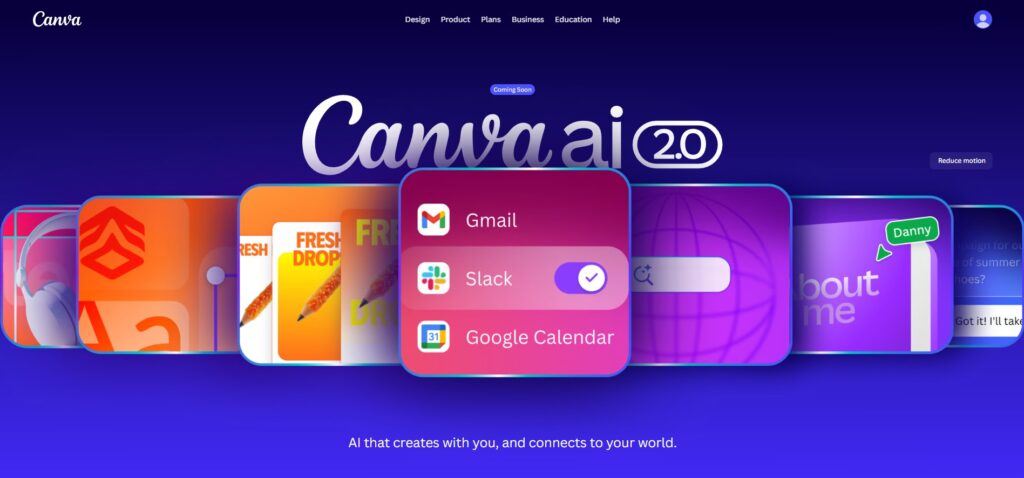
Grammarly Best for Professional Business Communication
I saw Most small business owners aren’t professional writers. You’re good at your craft, whatever that is, but writing clear, professional communication isn’t your core skill. Grammarly acts like having a good editor looking over your shoulder, catching mistakes before they go out into the world.
So i recomend A typo in a proposal. An email that sounds abrasive when you meant to sound firm. A marketing page with unclear sentences that cause visitors to leave. These are small problems that carry outsized costs in lost business. Grammarly catches them before they reach the client.
The paid version adds a tone detector that is genuinely useful for business writing and it flags when your email sounds annoyed when you meant to sound professional, or when your pitch copy sounds uncertain when you meant to sound confident.
Best for: Client emails, proposals, marketing copy, any business writing that goes external.
Free tier: Grammar, spelling, and clarity checks across browsers, Google Docs, and email.
Paid plan: Premium at approximately $12/month (approx. PKR 3,360/month).
Grammarly: https://grammarly.com
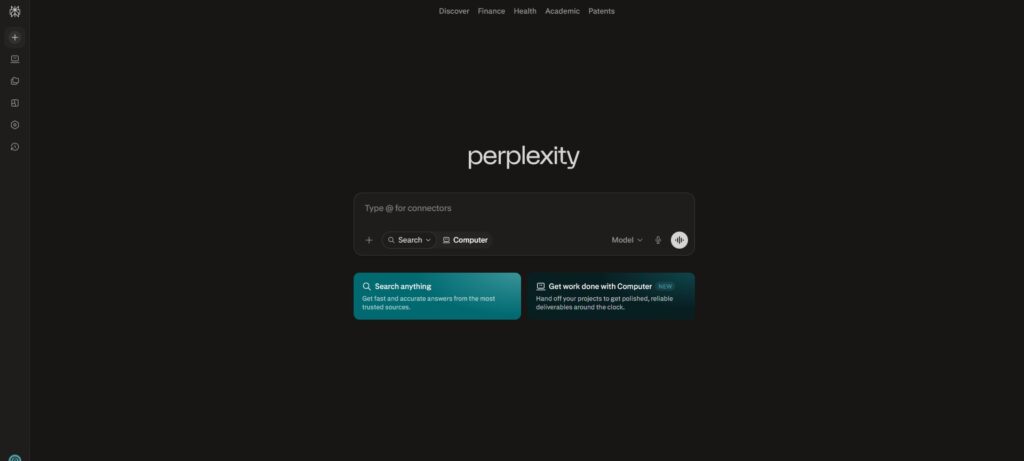
Perplexity AI Best for Business Research
Bro That Tool ummmmm 💕Best for Business research has always had a time problem. Finding reliable information on a competitor, an industry trend, a regulatory update, or supplier options used to mean spending an hour across multiple browser tabs, evaluating the credibility of each source separately.
Perplexity gives you cited, sourced answers instead of a list of links to click through. It’s built for research or finding competitor pricing, industry trends, regulatory updates, supplier comparisons. Every answer comes with inline citations you can verify. The Focus feature lets you search within specific source types academic papers, news, or Reddit and depending on what kind of information you need.
For business owners who need accurate information quickly, the time saving is real. A research task that previously took an hour takes ten minutes.
Best for: Competitor research, industry trends, market analysis, finding supplier information.
Free tier: Unlimited searches with source citations.
Paid plan: Pro at $20/month (approx. PKR 5,600/month) for deeper research and the Spaces feature.
Perplexity: https://perplexity.ai
Notion AI Best for Business Operations and Team Organization
OMG Notion is an all in-one workspace that combines notes, docs, tasks, wikis, and databases in one place. Teams use it to plan projects, document processes, and keep knowledge organized instead of spreading information across multiple apps.
For small businesses where information lives in too many places some in email, some in group chats, some in someone’s personal notes or Notion provides the single system that holds everything. AI makes it smarter: you can ask it to summarize your meeting notes, extract action items, turn a messy brief into a structured project plan, or find information across all your documents.
The free tier is substantial enough for a solo operator. The paid plan adds more AI usage, file uploads, and team features.
Best for: Project management, business documentation, team knowledge base, process templates.
Free tier: Generous for individual business owners and small teams.
Paid plan: Plus at $10/month (approx. PKR 2,800/month) per user.
Notion AI: https://notion.so
Zapier Best for Automating Repetitive Business Tasks
alot of People recomend me this Tool Zapier connects your apps and automates the repetitive workflows that eat time without producing value. The practical applications are endless: when a new customer fills out your contact form, automatically add them to your CRM, send them a welcome email, and notify your team on Slack or without anyone doing anything manually.
So In 2026, its AI layer lets you build automations in plain English — type what you want to automate, and Zapier will suggest a workflow for you to confirm. You no longer need to understand technical integration to connect your tools.
The free tier covers basic automation with limited runs per month. For businesses with high-volume workflows, the paid plans scale accordingly.
Best for: Connecting business apps, automating lead routing, syncing data between tools, reducing manual admin.
Free tier: 100 tasks per month, basic two-step automations.
Paid plan: Starter at $19.99/month (approx. PKR 5,597/month).
Zapier: https://zapier.com
HubSpot (with Breeze AI) Best for Sales and Customer Management
For small businesses that are actively managing leads, sales pipelines, and customer relationships, HubSpot’s free CRM with its built-in AI layer is the most capable zero-cost option available.
HubSpot’s Breeze AI auto-generates email sequences, scores leads, suggests next best actions for sales reps, summarizes contact histories, and creates landing page copy — all within your existing HubSpot workflow.
The free CRM is genuinely functional for small businesses it tracks contacts, deals, and activity without requiring a subscription. The AI features that matter most of email drafting, contact summaries, and content generation — are available on accessible paid tiers rather than locked behind enterprise pricing.
Best for: Lead management, sales pipeline tracking, email marketing, customer relationship management.
Free tier: Full CRM with contact management and basic AI features.
Paid plan: Starter at $15/month (approx. PKR 4,200/month) per seat for marketing and sales automation.
HubSpot: https://hubspot.com
The Recommended Small Business AI Stack
So i personallyTested it out All Tools Rather than subscribing to everything at once, here is how to build a practical stack based on where you are:
Starting Out (Under $20/month — approx. PKR 5,600/month):
- ChatGPT Free: Writing and brainstorming
- Grammarly Free: Editing all external communication
- Canva Free: Marketing visuals
- HubSpot Free CRM: Customer management
- Perplexity Free: Research and competitor analysis
- Notion Free: Business organization
That zero-to-minimal-cost stack covers the core operational needs of most early-stage small businesses.
Growing Business (Under $60/month — approx. PKR 16,800/month):
- Claude Pro: $20/month — high-quality written content
- Grammarly Premium: $12/month — complete editing suite
- Canva Pro: $13/month — full design toolkit
- Zapier Starter: $19.99/month — workflow automation
- Perplexity Free: $0 — research
Final Thoughts
The businesses that get the most value from AI tools in 2026 are not the ones who adopted the most tools. They are the ones who identified their highest-cost time drains and fixed them systematically.
Start with one tool that addresses your biggest operational bottleneck right now. Measure whether it saves time and produces better output. Then add a second. Build deliberately rather than accumulating subscriptions to tools you barely use.
The AI advantage for small businesses is real — but it comes from consistent, intentional use, not from signing up for everything in a weekend.
❓ FAQ SECTION
Q: Which AI tool is best for a small business just starting out? A: ChatGPT’s free tier combined with Grammarly Free and Canva Free gives you writing assistance, professional communication editing, and marketing visual creation at zero cost. That is a capable starting point for most early-stage businesses.
Q: Is it safe to put business data into AI tools? A: It depends on the tool and how you configure it. Most major platforms like ChatGPT and Claude allow you to turn off training data sharing in account settings. Always check the privacy settings of any tool you use with sensitive business information, and avoid uploading confidential client data without reviewing the terms of service first.
Q: How much does a good AI setup cost for a small business? A: A solid entry-level stack using mostly free tiers costs $0-20/month (approx. PKR 0-5,600/month). A professional setup with paid versions of the most useful tools runs approximately $50-65/month (approx. PKR 14,000-18,200/month) and can save 15+ hours of work per week for an active business owner.
Q: Can AI tools replace employees? A: <cite index=”22-1″>AI is designed to augment human employees, not replace them. It handles low-value, repetitive work, freeing up humans to focus on creative, strategic, and interpersonal tasks that require empathy and judgment.</cite> The most practical framing for small business owners: AI handles the administrative overhead so you and your team can focus on the work that actually grows the business.
Q: What is the most important AI tool for marketing? A: For most small businesses, Canva AI handles visual marketing efficiently, ChatGPT handles copy drafting, and Grammarly ensures everything is polished before it goes public. Those three tools together cover the core of small business marketing content at a low cost.
Q: Do I need technical knowledge to use these tools? A: <cite index=”22-1″>No, most modern AI tools are designed for non-technical users. They feature intuitive interfaces and often use natural language processing — meaning you can give instructions in plain English rather than code.</cite> All nine tools on this list are set up through standard web interfaces with no coding required.