
Best AI Video Generator Tools in 2026
I’ll be honest six months ago, AI video looked like something out of a fever dream. Six fingers, melting faces, characters that forgot what they looked like halfway through a clip. I almost gave up on the whole category.
Then Sora 2 dropped, and Veo 3 quietly became terrifyingly good, and suddenly I found myself using AI video tools every single week — for YouTube shorts, client mockups, and honestly just messing around because the results are genuinely fun to watch.
So I spent real hours (not “five minutes and a screenshot”) testing the tools everyone’s talking about right now. Here’s what actually works, what’s overhyped, and which one deserves your money in 2026.
Why AI Video Blew Up in 2026
I personally use that all oftools alot Text-to-video used to be a novelty. Now it’s a legitimate part of content workflows for creators, small business owners, and even students building presentations. The jump in quality this year came from better motion consistency and native audio generation, meaning characters no longer randomly change identity mid clip, and some tools now generate sound and dialogue directly with the video.
OpenAI Sora 2 Best for Cinematic, Story-Driven Clips
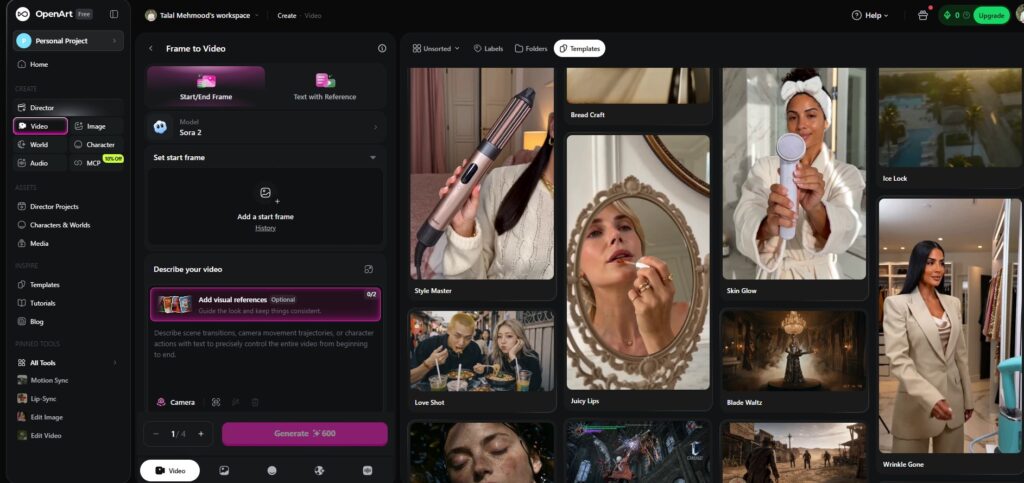
So i Tested Sora Sora 2 is currently the one people talk about most, and for good reason. It handles physics, camera movement, and character consistency far better than the original Sora. I tested it on a simple prompt — “a golden retriever skateboarding through a rainy city street at night” and the lighting reflections on the wet pavement genuinely surprised me.
Best for: Short cinematic clips, creative storytelling, social content
Access: Via ChatGPT Plus/Pro plans
Pricing: Starts around $8/month for base ChatGPT access (approx. PKR 2,240/month), with higher video limits on Plus/Pro tiers
Limitation: Generation queues can be slow during peak hours, and longer clips still need editing to stitch together
OpenAI Sora: https://openai.com/sora
Google Veo 3 Best for Realism and Native Audio
I personally try Veo Veo 3 is the tool that made me stop and rewatch a clip three times. What sets it apart is native audio and dialogue, ambient sound, and sound effects generated alongside the video, not added afterward. For creators who hate juggling separate audio tools, this alone is a huge time-saver.
Best for: Realistic footage, dialogue-based scenes, marketing clips
Access: Through Google’s Gemini app and Vertex AI for business use
Limitation: Access and limits vary by region and plan, so availability can differ
Google Veo: https://deepmind.google/technologies/veo/
Runway Gen-4 Best for Creative Control
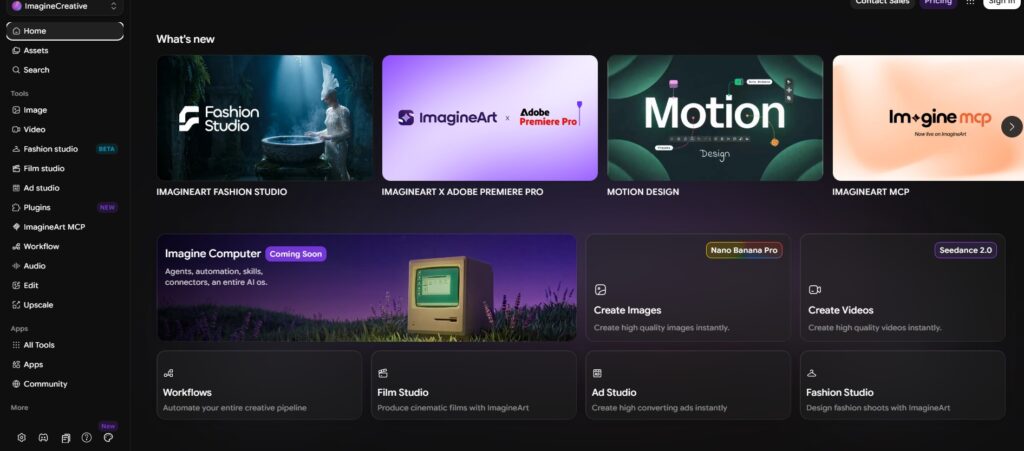
Runway has been in this space longer than almost anyone, and it shows. Gen-4 gives you far more manual control and camera paths, style references, motion brushes or which makes it the choice for people who want to direct the output rather than just prompt and hope.
Best for: Video editors, agencies, filmmakers who want precision
Pricing: Free tier available; paid plans start around $12/month (approx. PKR 3,360/month), billed annually for lower rates
Limitation: Steeper learning curve than Sora or Veo
Runway: https://runwayml.com
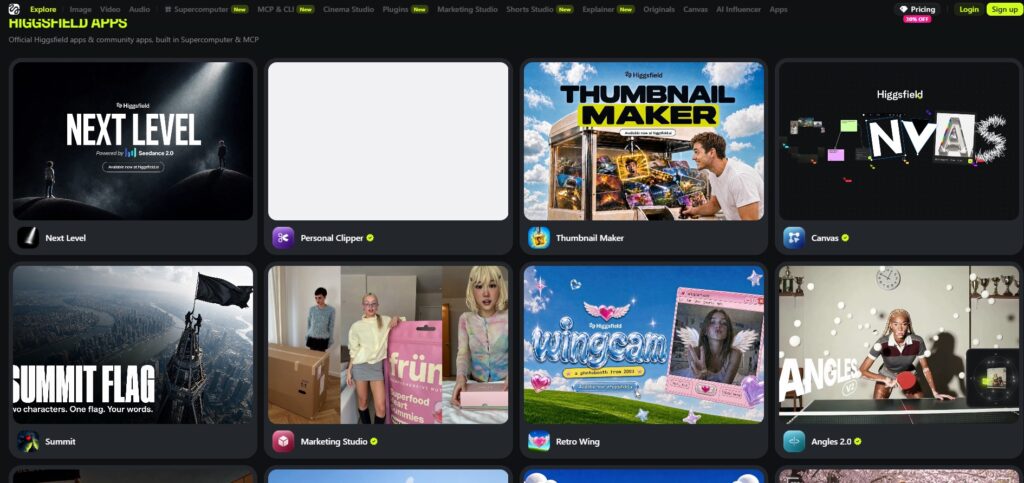
Higgsfield Best for Trend-Driven Social Content
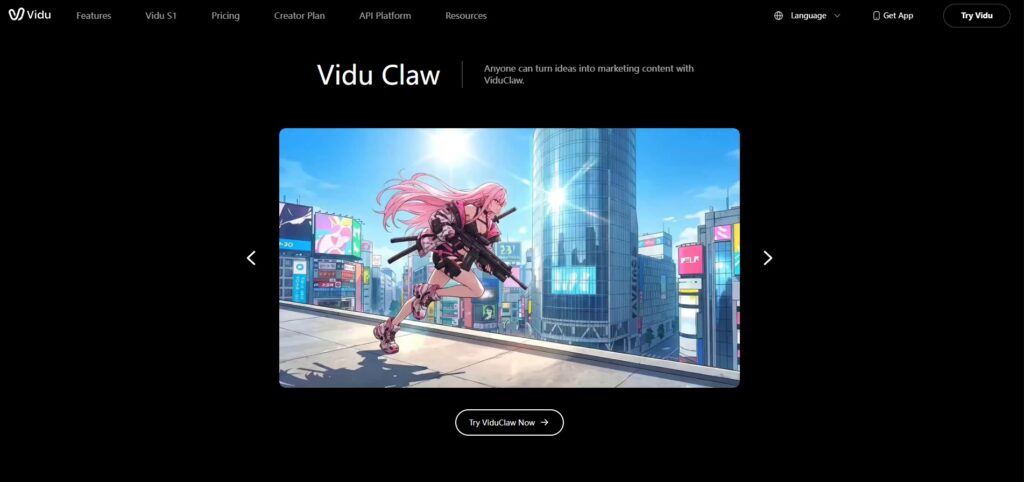
If you spend time on TikTok or Instagram Reels, you’ve probably seen Higgsfield-generated clips without realizing it. It’s built around trending visual styles and has a strong creative community, but it’s worth noting it doesn’t offer a free plan plans start around $9/month (approx. PKR 2,520/month).
Best for: Social media creators chasing trending aesthetics
Limitation: No free tier, so you can’t test before paying
Higgsfield: https://higgsfield.ai
Which One Should You Actually Use?
My honest take, no hype:
- Want the most viral-feeling, story-based clips? → Sora 2
- Need realism + built-in audio for marketing or business videos? → Veo 3
- Want full creative control like a real editor? → Runway Gen-4
- Chasing trending social styles fast? → Higgsfield
Don’t buy all four. Pick based on your actual weekly task, test the free tier or lowest plan for two weeks, and only upgrade if it saves you real time.
A Quick Warning Before You Use AI Video Commercially
If you’re using these for client work or monetized content, check each tool’s commercial usage policy — some restrict certain outputs (real people’s likeness, copyrighted characters) even on paid plans. Also, platforms like YouTube are increasingly requiring AI-content disclosure labels, so don’t skip that step if you’re publishing publicly.
FAQ
Is there a completely free AI video generator in 2026? Runway offers a limited free tier. Sora 2 and Veo 3 require a paid subscription for meaningful access, and Higgsfield has no free plan at all.
Can I use AI-generated videos for YouTube monetization? Yes, but you must follow platform disclosure rules for AI-generated content and each tool’s commercial license terms.
Which AI video tool is best for beginners? Sora 2, because prompting is simple and doesn’t require editing skills like Runway does.
Do these tools generate audio too? Veo 3 generates native audio and dialogue. Others typically require adding audio separately or through built-in add-ons.