

Best AI Coding Tools in 2026
I personally say If you write software in 2026 and you are not using an AI coding tool, you are working harder than you need to. That is not hype or it is a straightforward observation about where the productivity numbers have landed. GitHub Copilot serves 1.8 million paying developers. Cursor reached a $10 billion valuation with 50% Fortune 500 adoption. The debate shifted from whether to use these tools to which combination actually saves the most time.
That question is harder than it sounds. The three dominant tools — Cursor, Claude Code, and GitHub Copilot and take fundamentally different approaches to the problem, and choosing the wrong one based on a benchmark table rather than your actual workflow is an expensive mistake that costs real money every month.
This is the honest comparison. Real benchmarks from Terminal-Bench 2.1, verified pricing as of July 2026, and a clear framework for which tool fits which developer.
How the AI Coding Tool Market Split in 2026
Three categories emerged this year that make the comparison clearer.
The first category is IDE extensions — tools that add AI capabilities to whatever editor you already use. GitHub Copilot is the dominant example. You do not change your workflow; you just get smarter suggestions inside it.
The second category is AI-native IDEs — full editor environments built around AI from the ground up rather than retrofitted. Cursor leads this category. It is not a plugin you add to VS Code; it is an editor redesigned at every layer to make AI-assisted development the default.
The third category is terminal agents — tools that work in your command line, read your entire codebase, and operate autonomously. Claude Code sits here. You are not working inside a visual editor; you are giving a highly capable agent instructions and watching it execute across files, run commands, and open pull requests.
Understanding which category you need is more than half the decision.
Cursor Best AI IDE for Daily Development
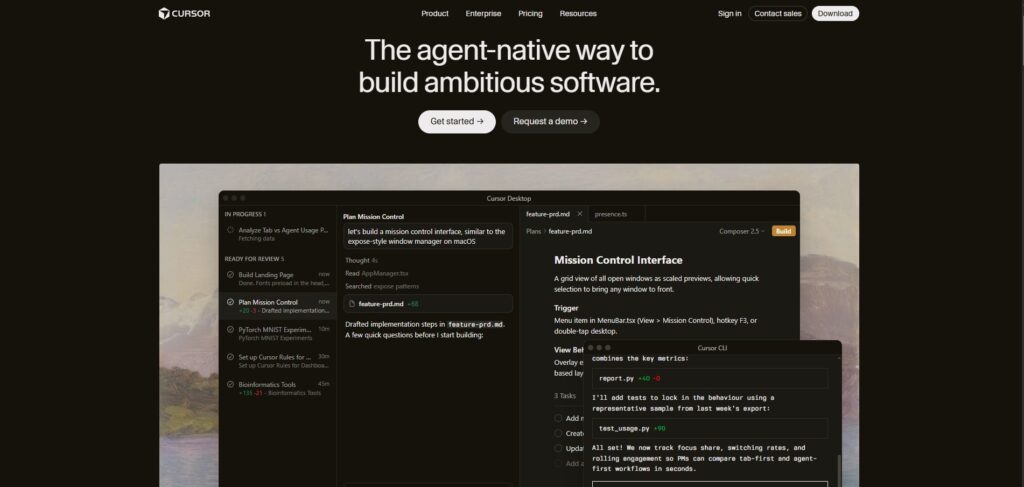
I personally Use So Cursor is a VS Code fork rebuilt around AI. It looks like VS Code, supports all VS Code extensions, and feels familiar from day one but under the hood, AI is baked into every layer rather than bolted on as an afterthought.
The Composer mode is where Cursor earns its reputation. You describe what you want to change in natural language — refactor this component, add authentication to these routes, update the database schema and all the files that reference it and Cursor executes across multiple files in a single operation. The visual diff interface lets you review every change before accepting, which matters for developers who want AI speed without losing visibility into what changed.
In a real-world test comparing the three main tools on a Django CRUD application with authentication, search, and pagination, Cursor delivered a working version in 5.5 hours the fastest of the three, largely because the visual feedback loop made iteration faster.
Where Cursor falls short: it does not have the deep codebase reasoning that Claude Code brings to large, complex projects. For architectural changes spanning dozens of files with subtle interdependencies, the terminal agent approach tends to outperform the IDE approach.
Pricing: Free tier with limited completions. Pro at $20/month (approx. PKR 5,600/month). Business at $40/seat/month (approx. PKR 11,200/seat/month). Best for: Frontend developers, full-stack developers who want an AI-native editor, teams comfortable switching from VS Code.
Cursor: https://cursor.com
Claude Code Best for Complex Repositories and Deep Reasoning
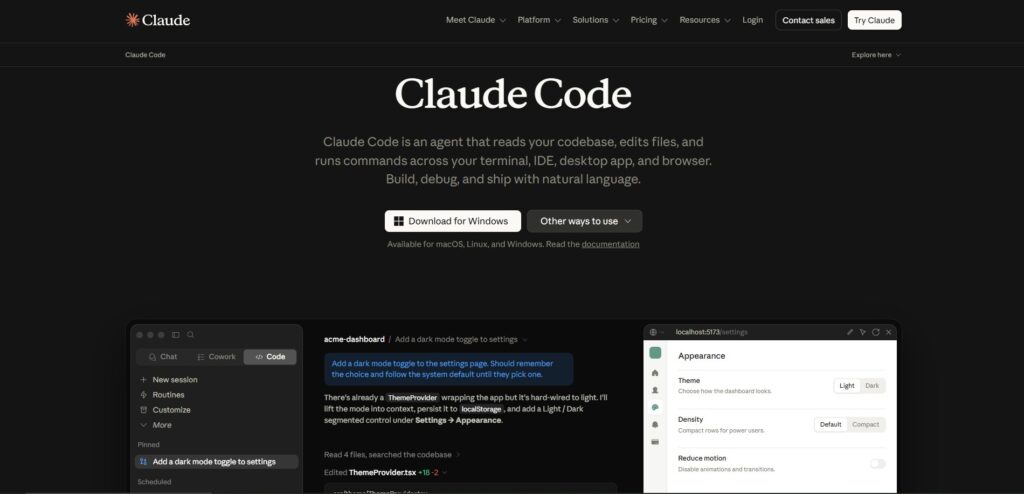
So we always now Cloud Claude Code is Anthropic’s terminal-native coding agent. You run it from your command line, it reads your codebase, and it operates autonomously writing, refactoring, debugging, running tests, and opening pull requests without you managing each step.
Now The context window is the defining technical advantage. Claude Opus 4.8 processes up to 1 million tokens in a single context roughly 25,000-30,000 lines of code meaning Claude Code can analyze an entire substantial codebase without losing track of cross-file dependencies. For large refactors, framework migrations, security audits, and complex architectural changes, that depth of understanding produces genuinely better results than tools that work file by file.
The coding benchmark score of 78.9% on Terminal-Bench 2.1 is the top usable performance available after the Fable 5 model suspension. On SWE-bench Pro, Claude Code leads at 69.2%, meaning it handles a higher percentage of the most challenging real-world software engineering problems than any other tool.
The philosophy is different from Cursor: you write less and review more. Claude Code executes multi-step tasks autonomously and explains its reasoning, which experienced developers describe as the tool that genuinely understands what they are trying to build rather than just generating code.
What it does not have: a visual interface. If you work in a GUI editor and want inline suggestions, this is not the right tool. Claude Code is for terminal-comfortable developers who want maximum capability on complex work.
Pricing: Available through Claude Pro at $20/month (approx. PKR 5,600/month). Claude Max at $100/month (approx. PKR 28,000/month) for heavier usage. API access at token-based pricing through Anthropic. Best for: Senior developers, backend and infrastructure engineers, terminal-comfortable developers working on complex codebases.
Claude Code: https://claude.ai/code
GitHub Copilot Best for Broad Compatibility and Team Rollout
Lot of as now about GitHub GitHub Copilot is the oldest and most widely deployed AI coding tool. 1.8 million developers pay for it. It works in VS Code, JetBrains, Neovim, and most mainstream editors. The free tier 2,000 completions and 50 chat requests per month is the most generous free access of any tool in this comparison.
The 2026 version has evolved well beyond the autocomplete origins. The Business plan at $19 per seat per month (approx. PKR 5,320/month) includes access to multiple models GPT-5.4, Claude Sonnet 4.6, Gemini 3 Pro letting you switch models for different tasks rather than being locked into one provider. The enterprise tier adds custom knowledge bases that index your own repositories, making completions substantially more relevant for large proprietary codebases.
The PR summary and code review features work well for teams with high pull request volume. Copilot can summarize what changed, flag potential issues, and suggest review comments tasks that previously cost human reviewer time.
Where Copilot trails: it does not match Claude Code for deep codebase reasoning on complex tasks, and it is more conservative on autonomous multi-file changes. It is the most accessible option, not the most capable one.
GitHub Copilot changed its pricing model in June 2026 to usage-based flex billing, which means heavy users should monitor their consumption more carefully than before.
Pricing: Free tier available. Pro at $10/month (approx. PKR 2,800/month). Business at $19/seat/month (approx. PKR 5,320/month). Max at $100/month (approx. PKR 28,000/month). Best for: Teams already using GitHub, developers who want broad IDE compatibility, students who can get Pro access through education programs.
GitHub Copilot: https://github.com/features/copilot

Windsurf (Now Devin Desktop) Best Alternative to Cursor
personally say Windsurf rebranded to Devin Desktop in June 2026 after Cognition’s acquisition, which created some confusion in the market but did not fundamentally change what the tool does: it is an AI-native IDE, similar to Cursor in approach, that many developers prefer for its specific workflow patterns.
If you have tried Cursor and found the experience slightly off for your preferences — which is a genuinely personal thing with IDEs — Windsurf is the strongest alternative. The agentic capabilities are comparable, and the interface attracts developers who find Cursor’s approach slightly too aggressive with autonomous changes.
Pricing: Free tier available. Pro at $15/month (approx. PKR 4,200/month). Best for: Developers who want a Cursor-style AI IDE with a different experience.
Windsurf (Devin Desktop): https://windsurf.com

OpenAI Codex Best Benchmark Performance
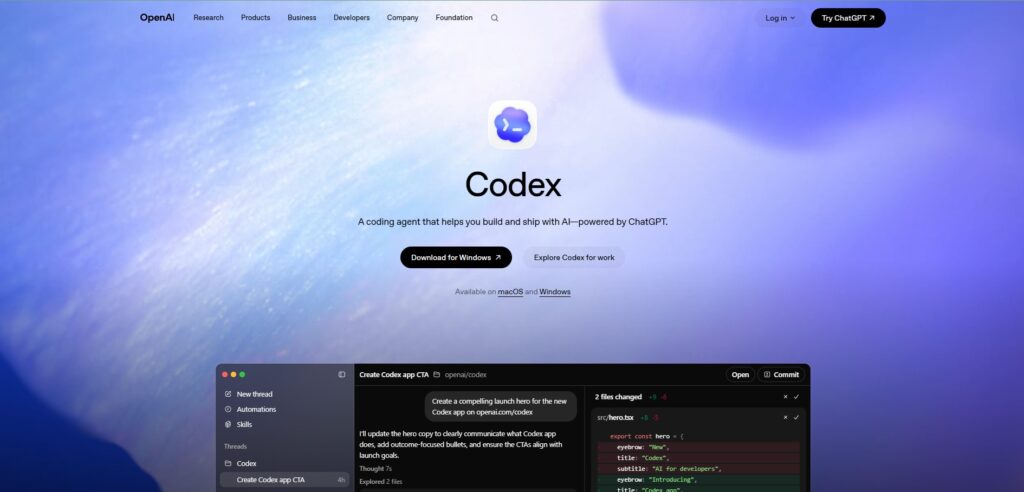
personally say Codex, now powered by GPT-5.5 and the new GPT-5.6 Sol/Terra/Luna model family, holds the top Terminal-Bench 2.1 score at 83.4%. It is available as a CLI tool, cloud service, IDE extension, and ChatGPT app, and it integrates directly with ChatGPT Pro.
The primary differentiator is the background agent capability — Codex can work on tasks autonomously while you focus on other work, running parallel agents across multiple tasks simultaneously. For developers with clearly defined, bounded tasks they want to delegate completely, this parallel execution is genuinely useful.
Pricing: Included in ChatGPT Pro at $200/month (approx. PKR 56,000/month). Available via OpenAI API at token-based pricing. Best for: ChatGPT Pro subscribers, developers who want the highest benchmark score and background task execution.
OpenAI Codex: https://openai.com/codex
Which Tool Should You Actually Use
SO I personally recomend The most common professional developer setup in 2026 is not a single tool. Most experienced developers use Cursor for daily editing and Claude Code for complex tasks two tools that complement each other rather than compete directly.
If you can only pick one:
Use GitHub Copilot if you work across multiple IDEs and do not want to change your editor, or if you are on a team that needs straightforward adoption without workflow disruption. At $10 per month (approx. PKR 2,800/month), it is the lowest-cost real option for meaningful AI assistance.
Use Cursor if you primarily work in one editor environment and want the most fluid AI-native experience for daily development. At $20 per month (approx. PKR 5,600/month), the Pro plan is competitive with everything except GitHub Copilot’s basic tier.
Use Claude Code if you work on complex, large codebases and care more about reasoning depth than interface polish. Terminal-comfortable developers consistently rate it the highest for the hardest problems.
The worst move in 2026 is paying $200 per month for a tool you use at 20% of its capacity. Start at the entry tier, understand your actual workflow, and upgrade when you hit specific limits.
Quick Comparison
Tool —Type — Free Tier — Starting Price — Best Benchmark Cursor — AI IDE — Limited — $20/mo (PKR 5,600/mo) — Strong Claude Code — Terminal agent — Limited — $20/mo (PKR 5,600/mo) — 78.9% Terminal-Bench GitHub Copilot — IDE extension — Yes (2,000 completions) — $10/mo (PKR 2,800/mo) — 65-75% range Windsurf — AI IDE — Yes — $15/mo (PKR 4,200/mo) — Competitive OpenAI Codex — Terminal/cloud agent — No — $200/mo via ChatGPT Pro (PKR 56,000/mo) — 83.4% Terminal-Bench
Final Thoughts
AI coding tools in 2026 are infrastructure, not novelty. The question is not whether to use them — the productivity data is clear enough that this is no longer a meaningful debate. The question is which combination fits your specific workflow, your budget, and the type of code you write.
Benchmark scores are a starting point, not the answer. The best AI coding tool is the one that reduces your delivery time on the work you actually do, not the work used to design the benchmark.
Start with the free tier of whichever tool fits your environment. Use it on real tasks for two weeks. Then decide whether the paid tier earns its cost.
FAQ SECTION
Q: Which AI coding tool is best in 2026? A: It depends on your workflow. Claude Code leads on benchmark quality for complex repositories at 78.9% on Terminal-Bench 2.1. Cursor provides the best daily development experience in an AI-native IDE. GitHub Copilot is the most accessible and broadly compatible option at the lowest price. Most professional developers use two tools rather than one.
Q: Is Cursor worth $20 per month in 2026? A: For developers who primarily work in one code editor and want the most fluid AI-native IDE experience, yes. Cursor at $20 per month (approx. PKR 5,600/month) offers multi-file editing, autonomous agent mode, and strong model selection. If you work across multiple editors or primarily need inline completions, GitHub Copilot at $10 per month (approx. PKR 2,800/month) may be sufficient.
Q: Is Claude Code better than GitHub Copilot? A: For complex, large codebase work — architecture changes, large refactors, security audits — Claude Code’s deep reasoning and large context window produce better results. For inline completions across multiple editors, daily coding assistance, and team rollout with low friction, GitHub Copilot is the more practical choice. They solve different problems.
Q: What is the best free AI coding tool in 2026? A: GitHub Copilot’s free tier is the most generous at 2,000 completions and 50 chat requests per month with no credit card required. Codeium also offers unlimited free completions. For open-source terminal agents where you supply your own API key, Aider and opencode are fully free tools.
Q: Does AI code generation put developer jobs at risk? A: The tools themselves address this directly in their positioning. AI coding tools handle bounded, repetitive work — they write boilerplate, complete patterns, and execute defined tasks. The judgment about what to build, how to architect it, whether the output is correct, and whether it serves the user’s actual need remains with the developer. The developers who use these tools well are shipping more, not being replaced.
Q: Which AI coding tool is best for beginners learning to code? A: GitHub Copilot’s free tier with its chat feature explains code in plain language, making it the lowest-friction starting point for learners. ChatGPT is also excellent for learning because its conversational format lets you ask follow-up questions about why code works the way it does. Claude Code and Cursor are better suited to experienced developers who already understand the code they are reviewing.