

Best AI Tools Into Your Daily Life
Most people who try AI tools make the same mistake. They open ChatGPT, play with it for twenty minutes, close the tab, and go back to doing everything exactly the same way as before.
I RealizeThe problem is not the tool. It is the over approach.
Using AI effectively is not about trying everything at once yes. It is a;; about replacing one specific frustrating part of your day with something better, and its great full until that replacement becomes automatic, and then adding another. So People who intentionally use AI tools report 33% higher productivity and complete everyday tasks over 60% faster or not because they know more about technology, but because they found the right habit for the right problem.
Now I make the practical guide to actually integrating AI into your daily life not as a novelty, but as something you use without thinking about it and trust me its helpful.
Start With Your Morning The Easiest Entry Point
Most of people waste the first thirty minutes of their day deciding what to do. AI fixes this in a way a todo list cannot.
So the night before, spend two minutes telling ChatGPT or Gemini your tasks for tomorrow, ✨ and your meetings, and your energy levels. Ask it to build a prioritized schedule for your day. You wake up with a plan instead of a blank page.
People who paste their monthly expenses into ChatGPT and ask it to categorize spending, identify patterns, and suggest areas to cut report completing this task in under a minute replacing 30+ minutes of manual review and thts great and The same principle works for morning planning. What used to take twenty minutes of mental effort takes two.
If you are a Google Workspace user, Gemini already lives inside Gmail and Calendar. It reads what is on your schedule and can summarize your day before you open your laptop. No extra app, no extra login, no friction.
Mornings: ChatGPT or Gemini for planning
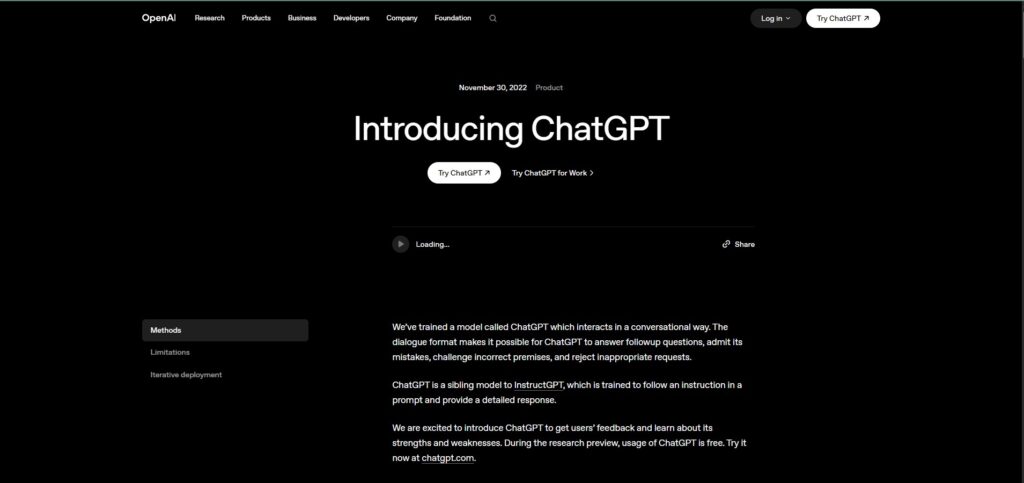
Official link: chat.openai.com /Google Gemini: https://gemini.google.com
Replace Your Inbox Habits Email Takes Too Much Time
I recomend AI for daily productivity applications now integrate directly with calendars, emails, messaging systems, and task management platforms The most practical result for most people is email.
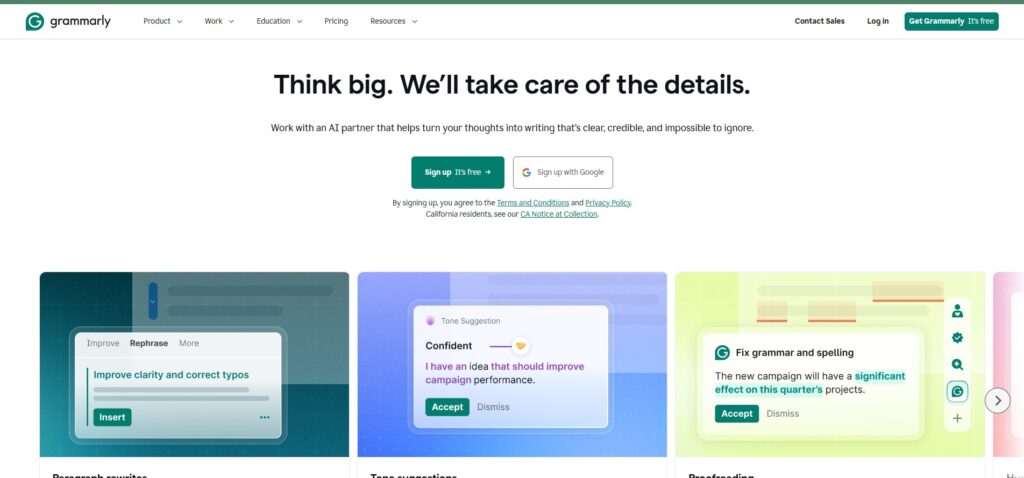
So the Grammarly writes in the background across your browser, email, and document tools. and its realyy helpfull i personaly use it daily and its acually great You type your reply, and it catches the parts that sound harsher than you meant, or less clear than you thought. You never have to go back and reread before sending.
Ok now For longer email threads, Gemini’s Gmail integration summarizes them in two sentences. If you have ever opened a chain with forty replies and tried to figure out what anyone actually decided, you know exactly what that is worth.
Neither of these tools requires you to change how you write. They improve what you already do.
Email: Grammarly (free) + Gemini in Gmail
Handle Meetings Differently
I realize most of the time Meetings are where time goes to die and then gets memorialized in a document nobody reads.
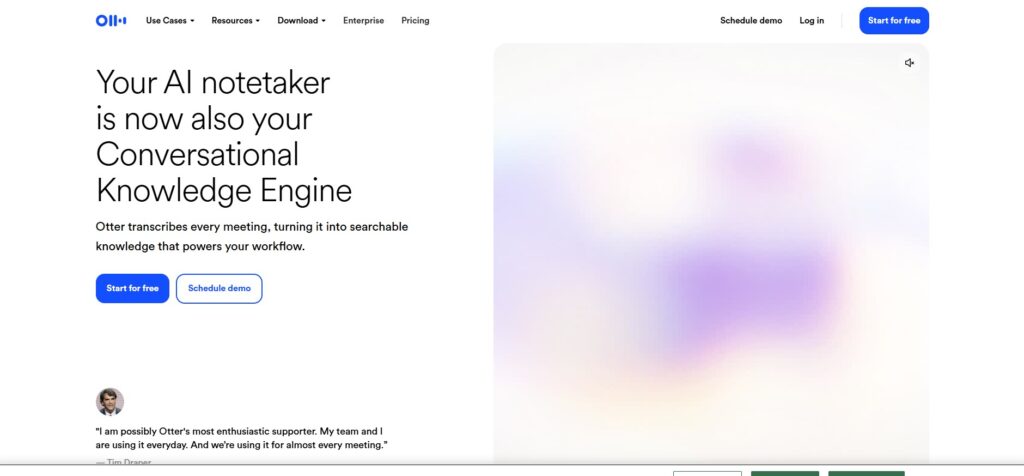
I realize the Otter.ai records and transcribes your calls automatically Zoom, Google Meet, Microsoft Teams. When the call ends, it generates a summary with action items and its very good tools. The twenty minutes you used to spend writing up notes become thirty seconds of reading what it produced.
The first time you share an Otter summary with a meeting attendee who missed the session, you will notice how much faster the follow-up conversation goes. Nobody asks what was decided. It is already there.
Free tier covers 300 minutes per month enough for several meetings a week.
Meetings: Otter.ai (free tier)
Fix the Scheduling Problem The Most Underrated AI Habit
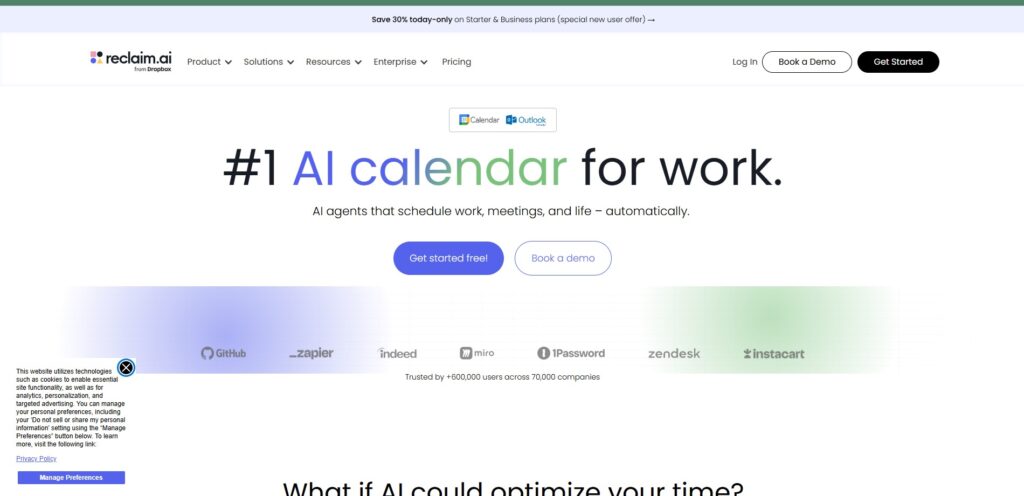
I saw Most people schedule their day manually, and it is soo time taking which means important work gets pushed to whatever slot is left after meetings fill in. Reclaim.ai connects to your Google Calendar and schedules your tasks automatically around your existing commitments.
So You add a task “write the report, two hours, due Thursday” and Reclaim finds the best time for it and blocks it, protecting it from meeting requests. When something changes, it reschedules automatically.
I saw These systems can automatically schedule meetings, detect conflicts, prioritize urgent tasks, create daily plans, send reminders, and suggest productivity improvements, For people who have ever looked at a full calendar and realized they have scheduled zero time for actual work, this is the tool that fixes it.
Free tier is functional enough for individual use.
Scheduling: Reclaim.ai (free)
Research in Seconds, Not Minutes
So Every time you need to look something up a fact, a comparison, background on a topic or you either Google it and spend fifteen minutes sorting through results, or you ask an AI and get a direct answer in thirty seconds.
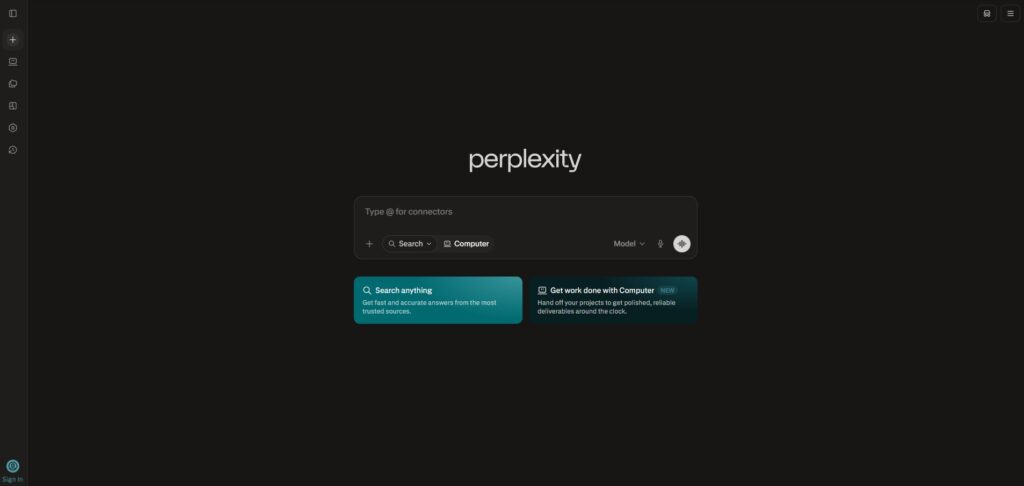
Now the Perplexity AI does this better than a standard chatbot because every answer comes with citations. You can verify anything instantly. For students, freelancers, and anyone who researches regularly, it replaces the browser tab rabbit hole entirely.
So make sure before making a purchase, using Perplexity AI to research products with real-time web results replaces 30+ minutes of reading individual reviews with a structured comparison in under a minute,
Use it for anything you would previously have Googled with the intent of reading several pages to find the answer.
Research: Perplexity AI (free)
Evenings: Note-Taking That Actually Works
I personally realize most notes people take during the day are never looked at again. They go into a folder, a notebook, or a voice memo that never gets transcribed. Notion AI changes this by making your notes searchable and connected.
So You write things down the way you normally would — quickly, without organization and ask Notion AI later to summarize, find specific information, or turn a rough list into an action plan. The friction between taking notes and using them disappears.
It works across phone and desktop, so the same system covers your commute and your desk.
Notes: Notion AI (free for individuals)
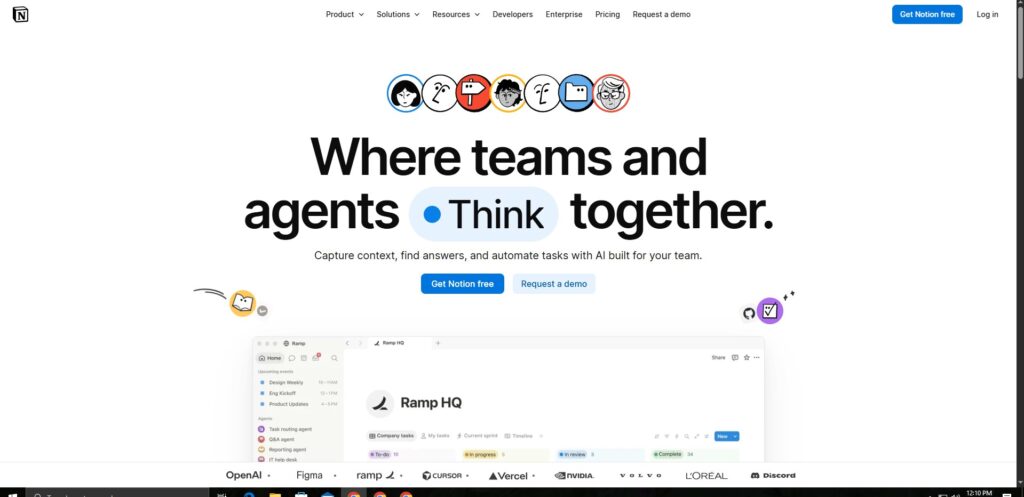
Notion AI: https://notion.so
The One-Habit-at-a-Time Rule
I say The key is starting simple: choose one or two AI tools that address your biggest daily frustrations. As you experience the time savings and reduced mental load, you can gradually expand your AI toolkit.
This is the only piece of advice in this guide that matters more than any specific tool recommendation. Every person who has successfully built AI into their daily life did it the same way: one workflow, one tool, two weeks of actual use, then the next one.
The people who failed either tried everything at once and got overwhelmed, or tried one tool, hit a small friction point, and stopped.
If you do nothing else after reading this pick the single problem in your day that wastes the most time. Open the free tier of the tool that addresses it. Use it for ten days straight. Then decide whether to keep it.
That is the whole system.
The Daily AI Stack (All Free to Start)
Morning planning: ChatGPT or Gemini Email clarity: Grammarly Meeting notes: Otter.ai Schedule management: Reclaim.ai Research: Perplexity AI Note organization: Notion AI
Total cost: $0. Time to set up: one afternoon. Time saved per week: 8-15 hours once the habits are automatic.
Final Thoughts
AI tools in 2026 are not replacing human creativity and connection they are enhancing it. The best AI tools help you save time on routine tasks so you can focus on what matters
The gap between people who use AI intentionally and people who do not is getting wider every month. Not because the tools are complicated — they are not. But because building a habit takes deliberate repetition, and most people stop before the repetition becomes automatic.
The tools in this guide are free, beginner-friendly, and designed for exactly the kind of daily tasks that eat time without producing anything meaningful. Start with one. Build the habit. Add the next one.
A month from now, you will not remember what your mornings felt like without a plan already waiting for you.
FAQ SECTION
Q: Do I need to be technical to use AI tools in daily life? A: No. Every tool in this guide works through a standard web interface or mobile app with no technical setup required. You describe what you need in plain English and the tool handles the rest. Most people see results within their first conversation.
Q: How much does it cost to use AI tools daily? A: The full stack described in this guide — ChatGPT free, Grammarly free, Otter.ai free, Reclaim.ai free, Perplexity free, Notion free — costs nothing. Paid upgrades exist for heavier usage, but the free tiers are functional enough for most daily habits.
Q: Is it safe to use AI tools for personal tasks? A: Yes, for the tools listed here, which are established commercial products with transparent privacy policies. Avoid sharing sensitive information like passwords, financial account numbers, or medical records with any AI tool. Use AI for organizing, planning, writing, and research — not for storing sensitive personal data.
Q: How long does it take to build an AI daily habit? A: Most people report that a new AI workflow feels automatic after ten to fourteen days of consistent use. The first three days are the most likely point of abandonment — push through that and the habit tends to stick.
Q: Which single AI tool has the highest impact for most people? A: Otter.ai for meeting transcription delivers the most immediate, measurable time saving for anyone with a regular meeting schedule. For people who do not have meetings, Perplexity AI for research delivers consistent time savings on every use.
Q: Will using AI tools make me dependent on them? A: The same question applies to email, calendars, and spell-checkers — tools most people use without thinking about dependency. AI tools handle specific, repetitive tasks. The judgment, creativity, and relationship skills that produce your best work remain entirely yours.