
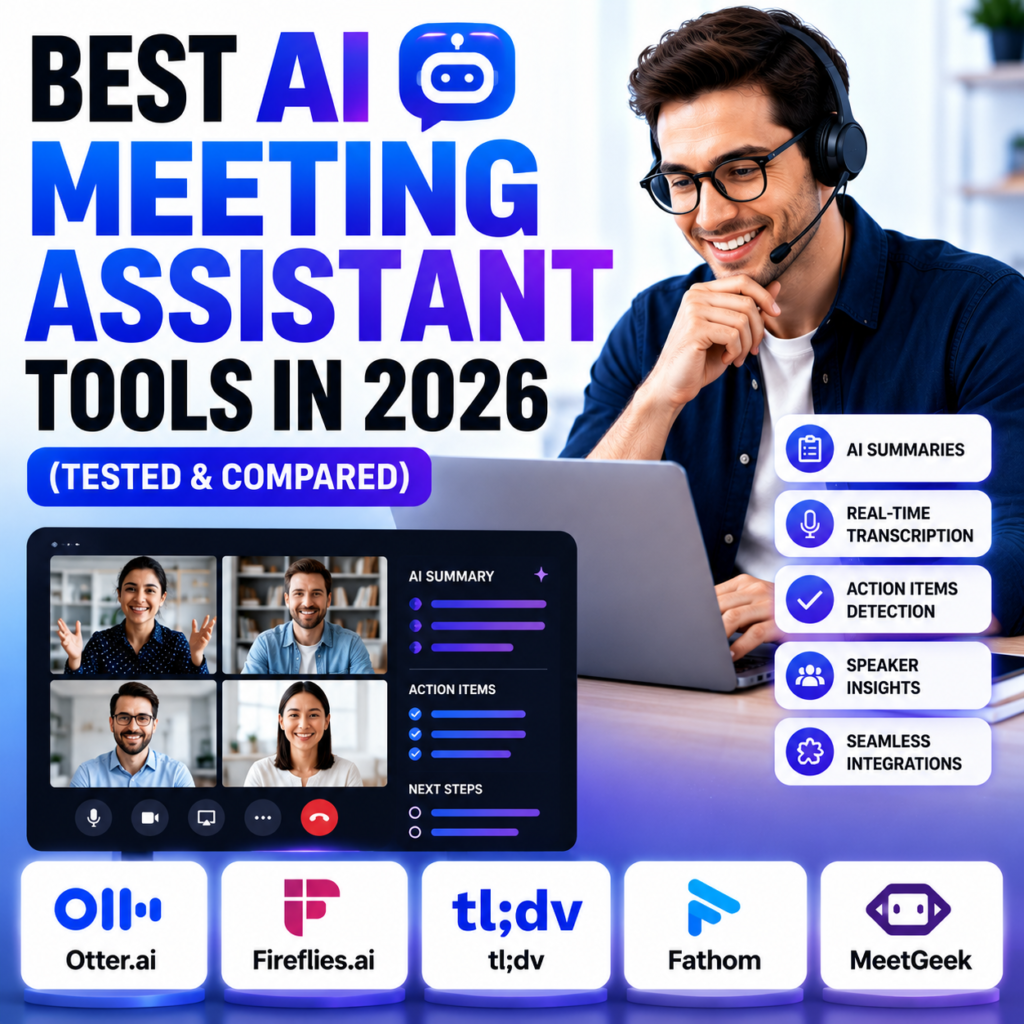
Best AI Meeting Assistant Tools in 2026
I used to leave every client call with two things: a mental fog and a notes doc full of half-sentences I couldn’t decipher an hour later. Somewhere between listening, talking, and typing, I always lost something important.
So I spent the last few weeks running real meetings with client calls, a couple of interviews, one very chaotic group call through four different AI meeting assistants. Here’s what actually helped, and what I’d skip.
Why This Category Matters in 2026
So I personally Tested and realise The average professional spends over 30 hours a month in meetings, and a huge chunk of that goes to manually writing notes and chasing action items afterward. AI meeting tools automate the transcription, summary, and follow-up but they’re not all built the same way, and one design choice matters more than any feature list: does a bot join your call, or not?
That single decision changes how honest people are on the call. A visible “Otter is recording” banner is fine for an internal team sync. It’s a different story on a sensitive client call or an investor conversation.
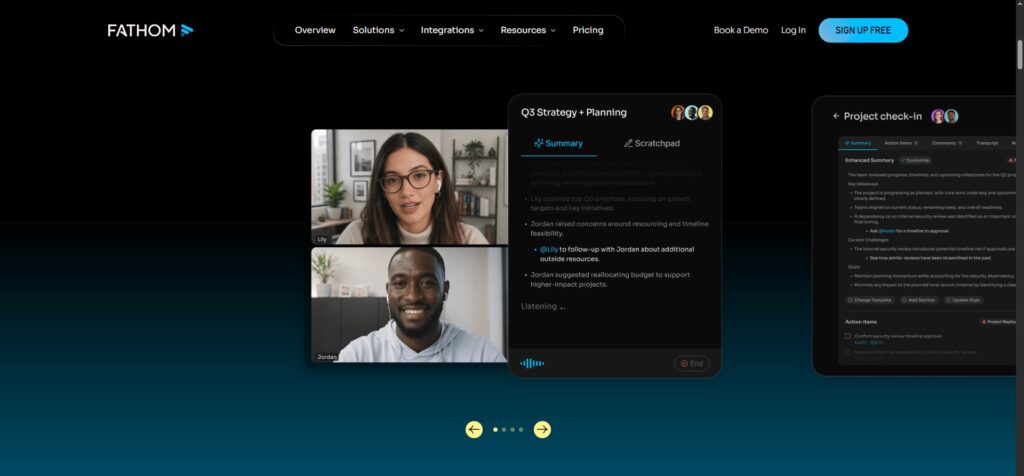
Fathom Best Free Option
So Also tested Fathom Fathom is the one I’d recommend first to anyone testing this category, mainly because the free plan is genuinely unlimited — recording, transcription, and storage with no time cap. The only limit is five AI summaries per month on the free tier.
Best for: Individuals and small teams who want zero cost to start
Pricing: Free (unlimited recording, 5 AI summaries/month); Premium approx. $15/month (approx. PKR 4,200/month)
Limitation: Bot joins the call visibly, and search across old meetings feels thinner than Otter’s
Fathom: https://fathom.video
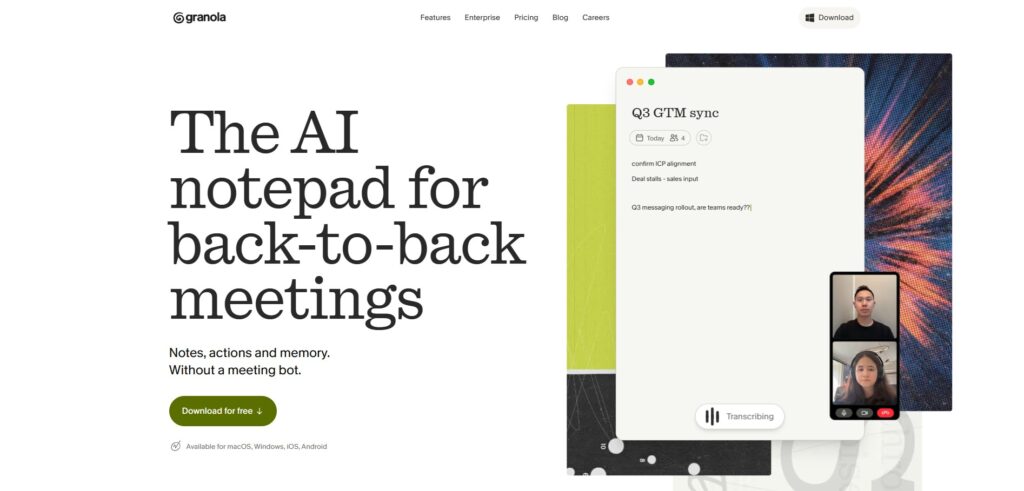
Granola Best Bot-Free Option
Tool Is more great Granola takes a completely different approach — it doesn’t join your call at all. It quietly captures system audio from your device, so nobody on the call sees a bot in the participant list. I tested it on a client call and genuinely forgot it was running.
Best for: Consultants, freelancers, sales calls where a visible bot changes how candid people are
Pricing: Free tier available (limited history); paid plans start around $18/month (approx. PKR 5,040/month)
Limitation: Mac and Windows apps only, no web version, and note quality depends partly on you typing a little during the call
Granola: https://www.granola.ai
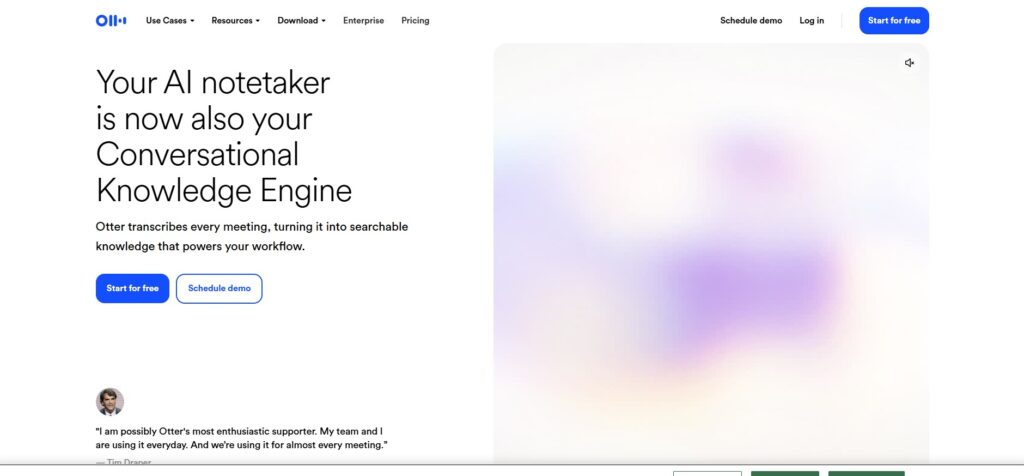
Otter.ai Best for Live, Shared Transcription
Otter’s biggest strength is that the transcript appears in real time while you’re still talking, and multiple people can highlight and comment on it live. For teams, classes, or accessibility needs, this is the only tool here that works as a shared workspace during the meeting, not just after.
Best for: Team meetings, education, accessibility use cases
Pricing: Free plan capped at 300 minutes/month; Pro around $10/month (approx. PKR 2,800/month)
Limitation: Bot joins visibly, and free plan minutes run out fast if you’re in back-to-back calls
Otter.ai: https://otter.ai
Fireflies.ai Best for Sales & CRM Automation
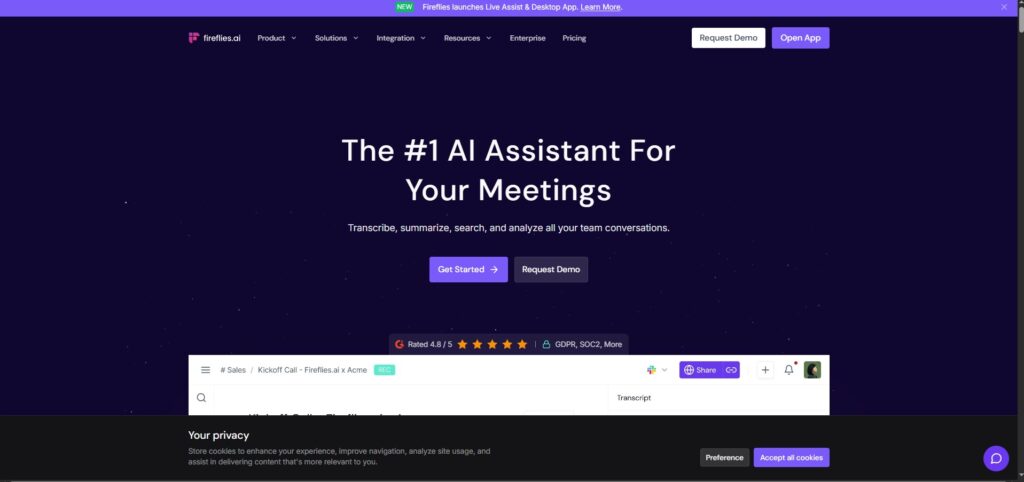
If your work runs through a CRM, Fireflies is built for that. It auto-pushes meeting notes, action items, and summaries directly into Salesforce or HubSpot, and its AI assistant lets you search across your entire meeting history with plain-language questions.
Best for: Sales teams, agencies managing multiple client pipelines
Pricing: Around $10/month per user (approx. PKR 2,800/month)
Limitation: Bot-based by default, which can feel out of place on external client calls
Fireflies.ai: https://fireflies.ai
Which One Should You Actually Pick?
- On a tight budget, just want unlimited free recording? → Fathom
- Doing sensitive client or freelance calls where candor matters? → Granola
- Running team meetings where people need to reference the live transcript? → Otter
- Your whole workflow lives in a CRM? → Fireflies
Most freelancers I know actually run two: one bot-free tool for client-facing calls, and Fathom’s free plan for everything else. You don’t need to pay for four subscriptions to solve this.
A Quick Warning Before You Use These
Recording consent laws vary by country and even by state/province — some places legally require you to tell participants before recording. Don’t assume the tool handles this for you; check your own local requirements, especially if you’re recording clients internationally.
FAQ
Is there a truly free AI meeting assistant in 2026? Yes — Fathom offers unlimited recording, transcription, and storage for free, with only AI summaries capped at 5/month.
What’s the difference between bot-based and bot-free meeting tools? Bot-based tools (Otter, Fireflies, Fathom) join your call as a visible participant. Bot-free tools like Granola capture system audio locally without appearing in the meeting.
Which AI meeting tool is best for freelancers? Granola, because client calls often depend on people speaking candidly, and a visible bot can change that dynamic.
Do I need to tell people I’m recording with an AI note taker? In many countries and regions, yes — recording consent laws apply regardless of whether the tool is AI-powered.