
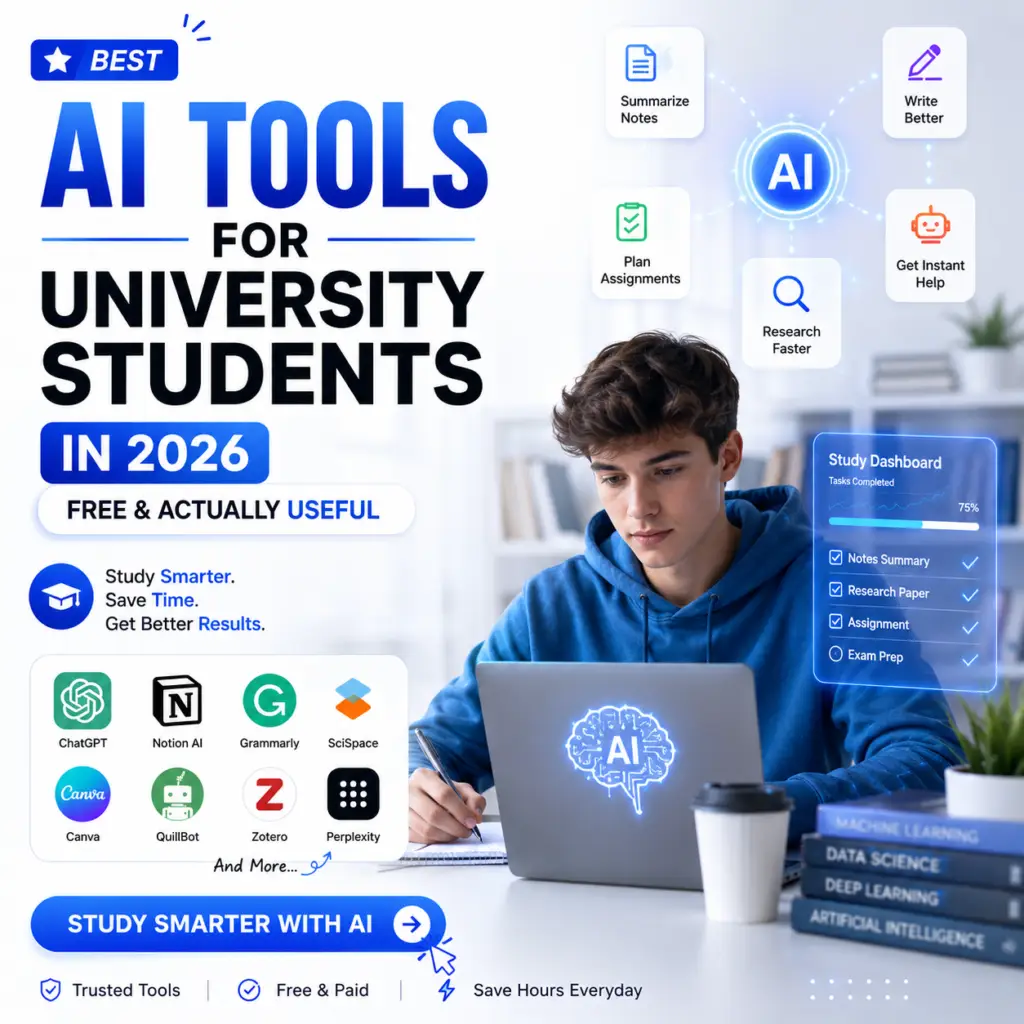
Best AI Tools for University Students in 2026
University is a strange kind of pressure. You are expected to read more than any human can comfortably read, write better than you ever have before, remember things under exam conditions, and somehow manage a social life at the same time. Nobody tells you how to actually do all of that without burning out by week six.
What changed this year is that the tools available to students are genuinely good now. Not just usable actually good. The kind of good where you finish a two-hour research session in twenty minutes and spend the rest of the time doing something that actually matters to you.
This is not a list of every AI tool that exists. It is the tools that students are actually using in 2026, the ones that solve real problems, and the ones where the free tier is enough to get started without spending anything.
The Wrong Way to Use AI as a Student
Before getting into the tools, one thing worth saying out loud.
The students who get caught submitting AI-written work and some do get caught are not failing because AI is detectable. They are failing because the work does not reflect what they actually understand. That shows up in oral defenses, in follow-up questions from supervisors, and in exams where the same concepts appear without a computer to type into.
The students who genuinely benefit from AI are using it to understand faster, organize better, and produce work that reflects their own thinking more clearly. That is what these tools are actually for.
ChatGPT The One That Does Almost Everything
ChatGPT: https://chat.openai.com
The reason ChatGPT is still the starting point in 2026 is not brand recognition it is that it genuinely handles the widest range of student tasks without requiring you to switch tools.
Stuck on a concept from your lecture? Paste the confusing paragraph and ask it to explain it three different ways until one clicks. Need to start an essay but cannot figure out how to open it? Describe your argument and ask for five different opening approaches, then take the one that feels most like you and rewrite it in your own voice.
The Study Mode, which OpenAI made free for everyone earlier this year, actively teaches instead of just answering. It asks you questions back, points you toward the reasoning rather than handing you the conclusion, and adapts to what you already seem to understand. For learning complex topics before an exam, it works better than rereading notes for the fourth time.
What to use it for: concept explanations, essay structure, exam prep, brainstorming, summarizing readings. What not to use it for: citations. ChatGPT will invent them with complete confidence. Use Perplexity for anything that requires actual sources.
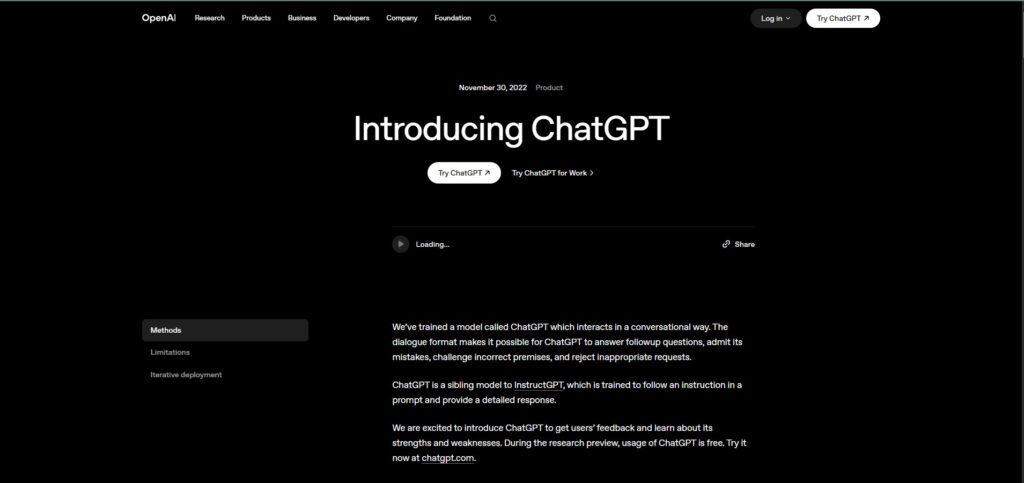
NotebookLM The Tool That Changes How You Study
NotebookLM: https://notebooklm.google.com
This one surprises most students when they try it, because the concept sounds too specific to be useful until you realize how much of university involves processing other people’s text.
You upload your own materials lecture slides, PDFs, research papers, even YouTube video links and NotebookLM becomes an expert on exactly those documents. Then you ask it questions, and it answers only from what you gave it. No random internet knowledge mixed in, no made-up facts, no confident errors. Just your materials, organized.
The Audio Overview feature turns your uploaded notes into a conversation between two AI voices who discuss the content back and forth. It sounds odd until you try it at midnight before an exam and realize you are actually absorbing the material while lying down with your eyes closed. Several students in the comments of education forums have described it as the most useful study technique they found in their entire degree.
What to use it for: turning lecture notes into a queryable resource, exam revision, synthesizing multiple readings, understanding a topic from multiple angles using your own sources.
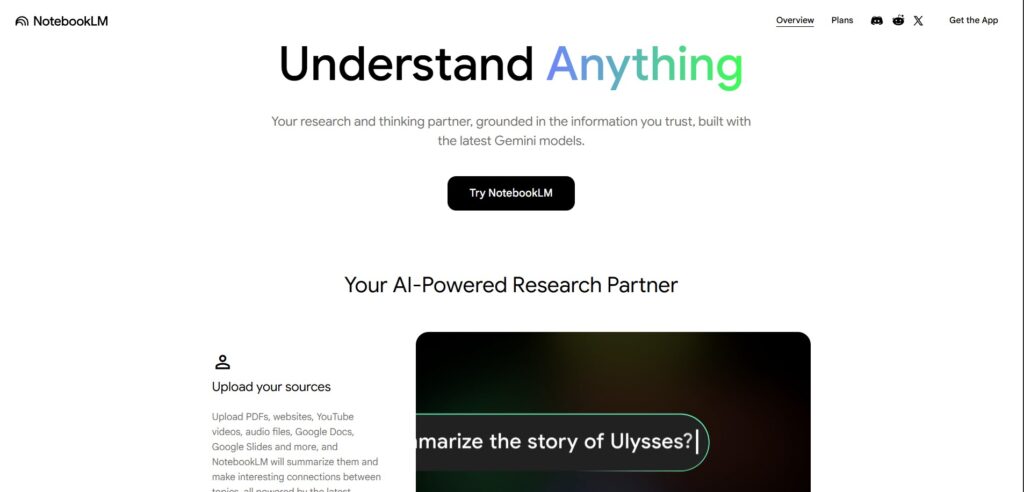
Perplexity AI Research That Does Not Waste Your Time
Perplexity AI: https://perplexity.ai
Every student has experienced the Google loop. You search something, you get ten results, you click four of them, you read half of each, you end up on a Wikipedia page that leads to three more tabs, and twenty-five minutes later you have a browser full of open pages and a vague sense that you have not actually found what you needed.
Perplexity ends this. You ask a question, it searches in real time, and it gives you a direct answer with numbered citations at the end. You click the citation, verify the claim, copy the source. The whole thing takes three minutes.
For university students who need legitimate sources not AI-generated content pretending to be sources — this is the most practically useful research tool in 2026. The student Pro offer (free for 12 months with a university email address) gives access to deeper research and better models, making it worth checking whether your institution qualifies.
What to use it for: finding credible sources, quick fact-checking, background research before going deeper into a topic, literature searches.
Grammarly The Edit That Happens While You Write
Grammarly: https://grammarly.com
The academic writing problem most students have is not that their ideas are bad. It is that the ideas are good and the sentences make them sound worse than they are.
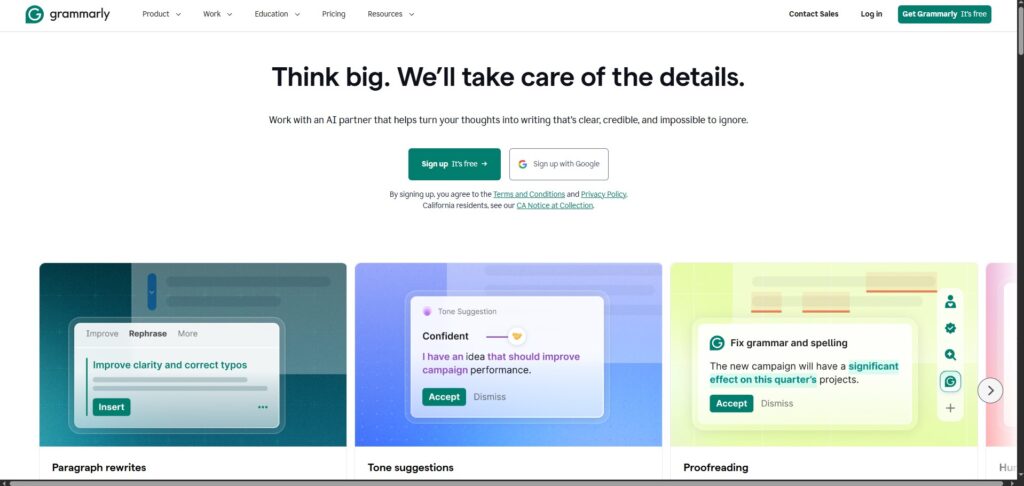
Grammarly runs quietly across your browser, Google Docs, and email. As you write, it flags things sentences that are too long and lose the point, words you are using in the wrong context, passive voice that makes confident arguments sound uncertain. You see the suggestion, you decide whether to take it, you move on.
The free version handles grammar, spelling, and basic clarity. That alone catches the errors you have read past too many times to notice anymore. The paid version adds tone detection, which is genuinely useful for academic writing where the difference between sounding assertive and sounding rude is often one word.
What to use it for: any written submission, emails to supervisors, cover letters, dissertation drafts.
QuillBot When You Understand Something but Cannot Say It Clearly
QuillBot: https://quillbot.com
There is a specific frustration in university writing where you understand exactly what a source is saying and you cannot figure out how to put it in your own words without either copying it or losing the meaning entirely.
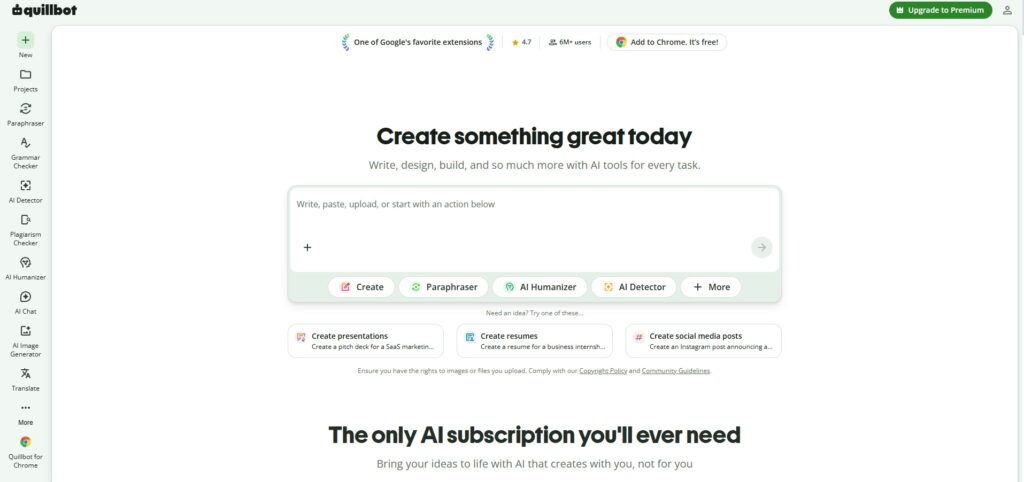
QuillBot paraphrases. You paste in a sentence or paragraph, and it rewrites it while keeping the meaning. You then take that output and rewrite it again in your own voice, or use it as a starting point to find the phrasing that works for you. The point is not to use QuillBot’s output directly it is to break the mental block of staring at someone else’s sentence trying to figure out how to say the same thing differently.
The Summarizer tool is separately useful for long readings. Paste in a chapter or article and get a condensed version of the core argument. Use it to decide whether the full reading is worth your time before committing to it.
What to use it for: paraphrasing source material for your own notes, breaking writer’s block, summarizing long readings before deciding whether to read them fully.
Notion AI The System That Keeps Your Degree Organized
Notion AI: https://notion.so
University generates an enormous amount of information to track. Assignment deadlines across six modules. Reading lists that keep growing. Group project tasks that nobody has written down anywhere. Lecture notes from four different subjects that all need to be findable before exams.
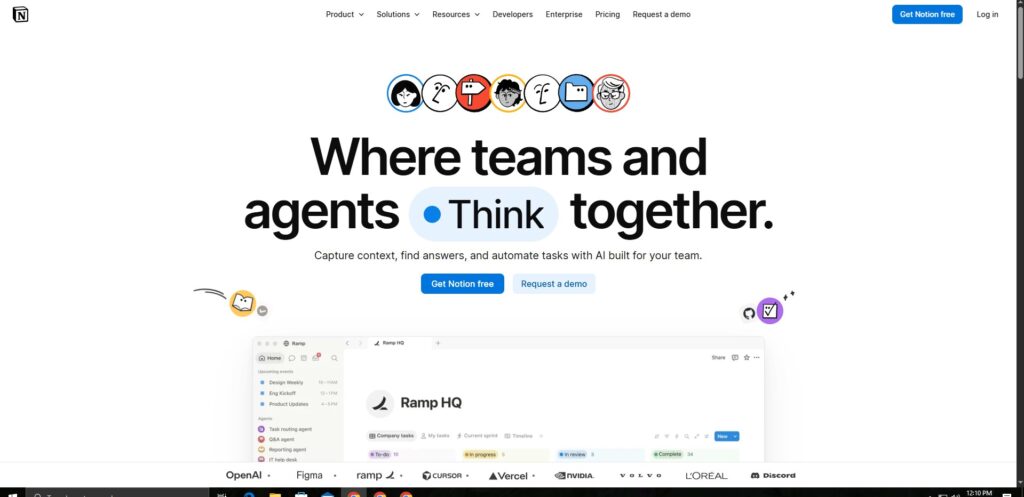
Notion is a notes, tasks, and documents tool that puts all of this in one place. The AI layer makes it smarter you can ask it to summarize your notes from last week, find a reference you wrote down three months ago, turn a rough list of ideas into a structured outline, or generate a revision plan from your uploaded syllabus.
The free tier is generous enough for individual student use. You do not need the paid plan until you are working in a large team and need advanced sharing features.
What to use it for: organizing notes across all subjects, tracking deadlines, creating revision materials, managing group projects, building a personal knowledge base for your degree.
Gamma Presentations in Under Ten Minutes
Gamma: https://gamma.app
The group presentation problem is real. Someone has to make the slides, that person always ends up spending two hours on formatting instead of on the content, and the presentation looks like it was designed in a hurry because it was.
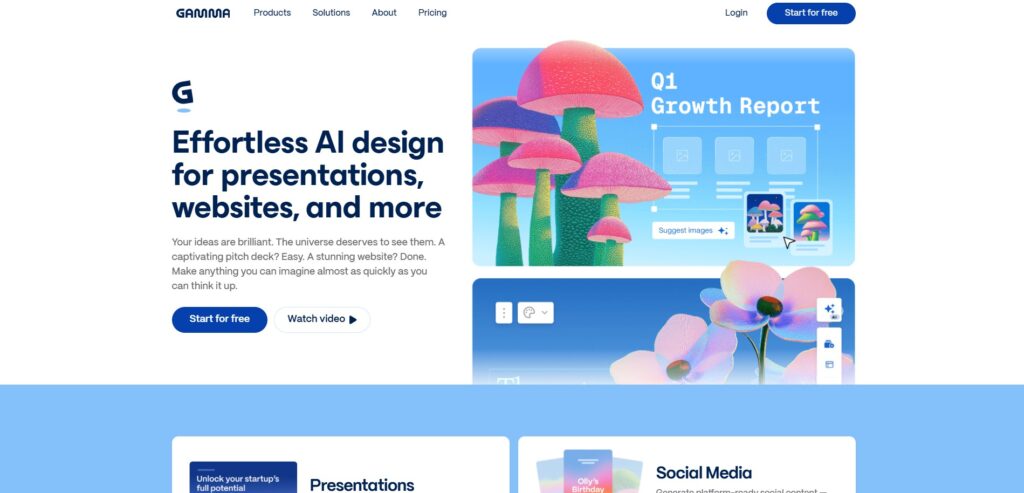
Gamma fixes the formatting part. You paste in your outline or bullet points, describe what you want, and Gamma produces a full presentation with a coherent visual design in under a minute. You then replace the placeholder content with your actual material and adjust anything that does not fit.
The result looks professionally designed without requiring design skills or two hours of PowerPoint fiddling. For students who present regularly and want to spend their preparation time on what they are actually saying rather than how the slides look, this removes the main obstacle.
What to use it for: coursework presentations, research project summaries, group work slide decks, conference-style academic presentations.
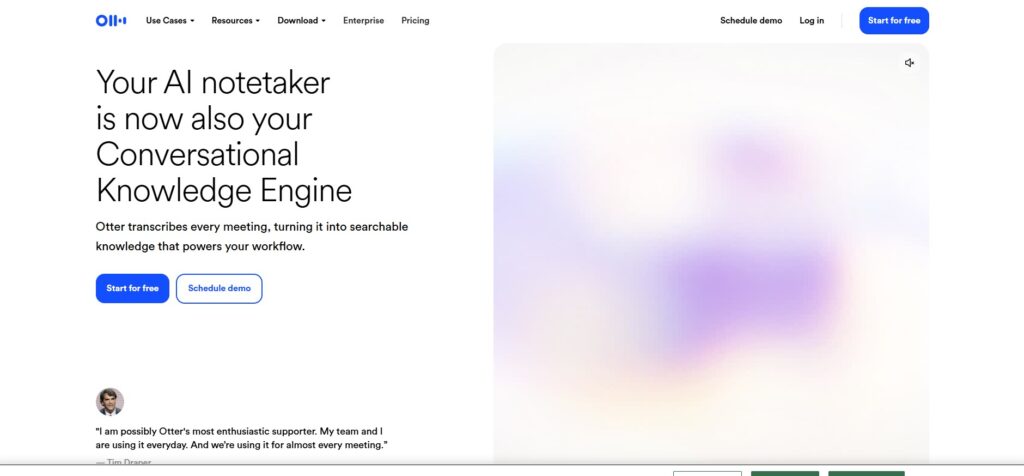
Otter.ai Lecture Notes That Write Themselves
Otter.ai: https://otter.ai
There is a fundamental tension in lectures between listening and writing. If you write everything down, you stop processing what the lecturer is actually saying. If you listen fully, you cannot capture the detail you need later.
Otter records audio and produces a full transcript with timestamps. You can search the transcript for any word or phrase, jump to the moment it was said, and export the notes in whatever format you need. The summary it generates at the end picks out the main points so you do not have to read through the whole thing to find the key ideas.
The free tier gives 300 minutes per month, which covers several lectures a week. If your university records lectures anyway, Otter is still useful for seminars, tutorials, and group meetings where recordings are not available.
What to use it for: capturing lectures and seminars, group project meetings, supervisor meetings, any situation where you need accurate notes without losing the thread of what is being said.
The Honest Answer to Which One to Start With
If you have never used any of these tools and you want to start somewhere: NotebookLM and Perplexity together handle the two biggest student time sinks — understanding material and finding sources. Both are free. Neither requires any setup beyond a Google account for NotebookLM and any email for Perplexity.
Add Grammarly to run in the background across everything you write. That combination covers most of what slows students down without costing anything or requiring you to change how you already work.
The rest of the list is for specific problems. If presentations are your bottleneck, Gamma. If organization is the issue, Notion. If you have lectures you cannot keep up with, Otter. Pick the tool for the problem you actually have rather than installing all eight at once and using none of them consistently.
A Note on Academic Integrity
Every university has its own policy on AI. Some permit it fully with disclosure. Some prohibit it for graded work. Most are somewhere in between.
The consistent position across institutions is that AI is a study tool, not a submission tool. Using it to understand a concept, organize your notes, improve your writing, or find sources is different from asking it to produce work you then submit as your own.
Check your institution’s current guidelines before using any of these tools for assessed work. The policies have changed significantly in the last two years and continue to evolve.
FAQ
Q: Are these AI tools free for university students? A: Yes — every tool in this guide has a genuine free tier. NotebookLM, ChatGPT, Grammarly, QuillBot, and Otter.ai are all usable without payment. Perplexity offers 12 months of Pro free for verified students with a university email address. Gamma offers free credits each month.
Q: Is it cheating to use AI tools as a student? A: That depends entirely on what you use them for and what your university’s policy says. Using AI to understand a topic, organize notes, improve your writing, or find sources is generally acceptable and increasingly encouraged. Using AI to write your assignments and submitting that work as your own is academic misconduct. Check your institution’s current guidelines — they vary significantly and have been updated recently at most universities.
Q: Which AI tool is best for essay writing? A: The most useful combination for essays is ChatGPT for structure and brainstorming, Perplexity for finding credible sources, and Grammarly for editing the final draft. None of these tools should write the essay for you — they help at different stages of a process that remains yours.
Q: Can AI tools help with exam revision? A: Yes — NotebookLM is particularly effective for revision. Upload your lecture notes and past papers, then quiz yourself by asking it questions about the material. It answers only from what you uploaded, which means the revision stays focused on your actual course content rather than general internet knowledge.
Q: Are AI tools safe to use for academic work? A: The tools listed here are established commercial products used by universities worldwide. Avoid uploading personal data, confidential university material, or anything your institution treats as restricted. For general study purposes — notes, readings, essay drafts — they are as safe as any standard online tool.
Q: What is the best free AI tool for research? A: Perplexity AI for finding and verifying sources with citations, and NotebookLM for synthesizing materials you have already collected. Used together, they cover most university-level research needs without requiring payment.
10 Best AI Tools for Students in 2026 (Free & Tested)
Best way Students Are Saving 10+ Hours a Week With AI in 2026 (Real Workflow)