

Best way Students Are Saving 10+ Hours a Week
Here’s a stat that stopped me mid-scroll: a 2026 meta-analysis covering more than 21,000 learners found that one specific study method or spaced repetition and produced a genuinely large improvement in long-term retention. Not a small bump. A large, measurable one.
I personally bring that up first because most of “AI tools for students” articles hand you a list of ten apps and call it a day. That’s not actually useful. What matters isn’t which tools exist it’s how you stack them into a weekly routine that gives you real hours back. So instead of another list, here’s the actual workflow.
The Problem Isn’t Lack of Tools. It’s Lack of a System.
I Say If you’ve got ChatGPT, Notion, and Quizlet open in five different tabs with no plan, you’re not saving time you’re just moving the chaos somewhere new. The students genuinely getting hours back each week aren’t using more tools than everyone else. They’re using three or four tools in a specific order, for specific jobs, every single week.
Step 1: Turn Lectures Into Notes While You’re Still in Class
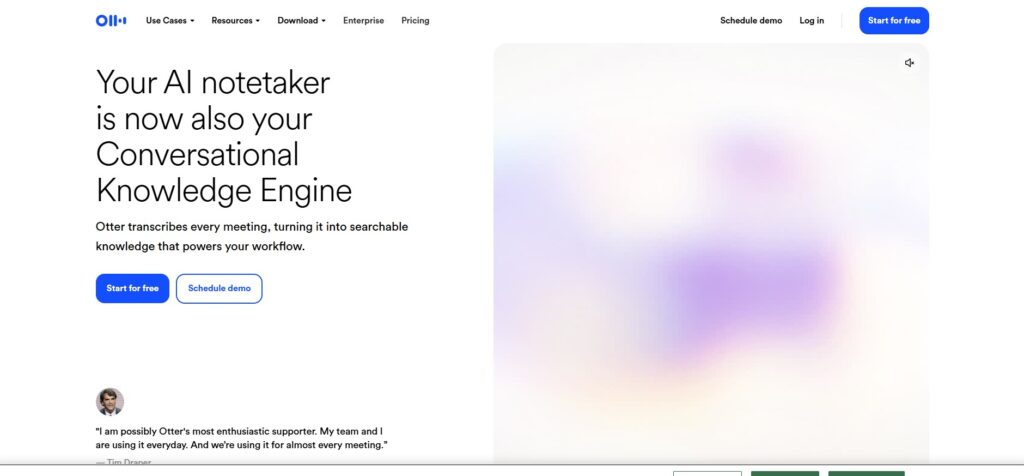
I say The biggest time-sink in student life isn’t studying and it’s the hour you spend rewriting messy handwritten notes into something readable afterward. Tools like Otter.ai transcribe lectures in real time, so you can actually listen and think during class instead of racing to write everything down.
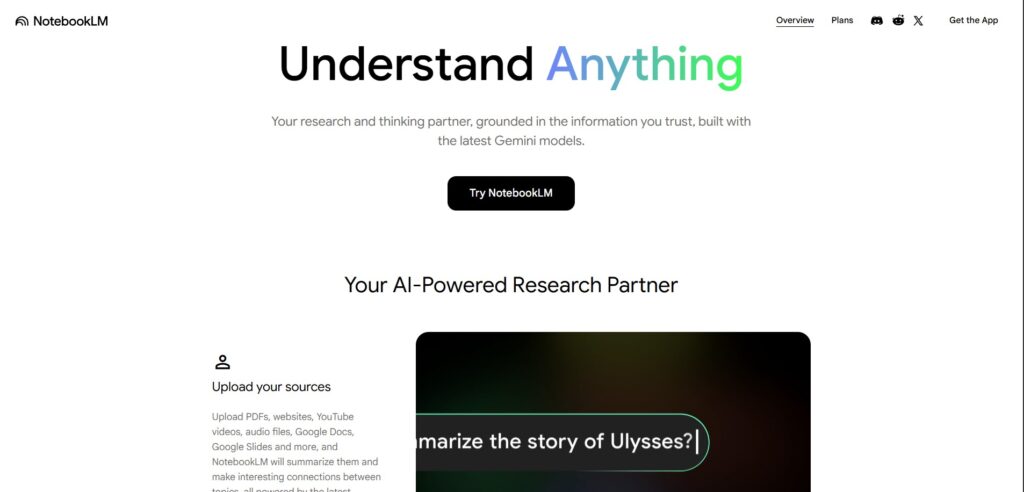
Even better, tools like NotebookLM let you upload the recording or your notes afterward and ask direct questions about the material, grounded specifically in what your professor actually said not a generic internet answer that might not match your syllabus.
- Time saved: Roughly 30-45 minutes per lecture that used to go into rewriting notes
- NotebookLM: https://notebooklm.google.com
Step 2: Compress Reading With Structured Summaries, Not Skimming
I say Reading a 40-page chapter the traditional way takes an hour easily. Uploading it into a tool built for this several current options can process PDFs, slides, and even textbook chapters into clear, structured summaries in seconds gets you the core ideas fast, so your actual reading time goes toward the parts you don’t already understand.
The honest caveat here: summaries are a starting point, not a replacement for reading the material your exam is actually based on. Use it to prioritize what needs your full attention, not to skip the material entirely.
- Time saved: 20-30 minutes per reading assignment
- Otter.ai: https://otter.ai
Step 3: Turn Notes Into Flashcards Automatically
I personally say This is where the spaced-repetition research from the intro actually matters. Rereading notes feels productive but is one of the weakest study methods there is. Being tested on the material active recall is what actually makes it stick. Tools that auto-generate flashcards from your uploaded notes turn this from a tedious manual task into something that happens in seconds, and several current platforms build in spaced repetition scheduling automatically, so you review things right before you’d naturally forget them.
- Time saved: An hour or more per week that used to go into manually writing out flashcards
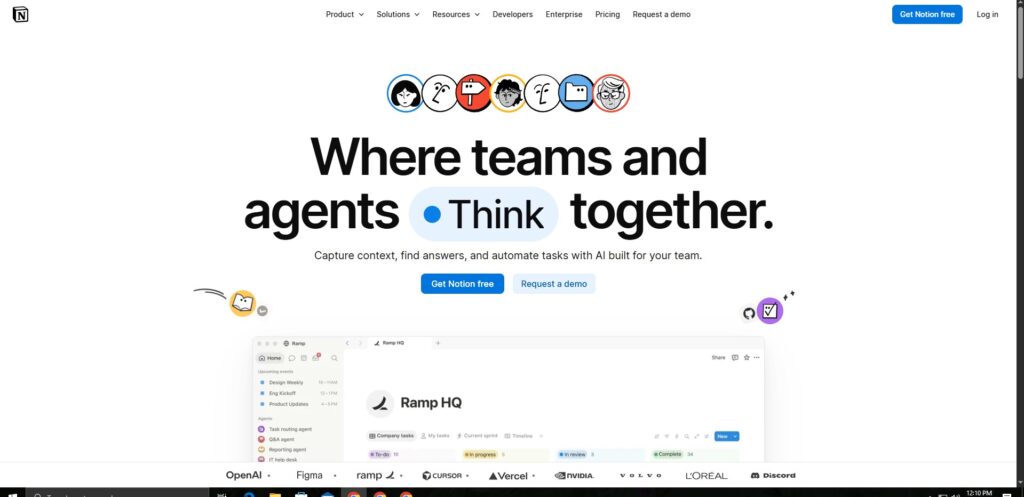
- Notion AI: https://notion.so
Step 4: Get a Study Plan That Actually Adjusts to Your Deadlines
I personally say Instead of a static planner, tools like Notion AI or a dedicated study planner can take your syllabus, your exam dates, and your existing workload, and build a schedule that breaks large assignments into daily chunks. The value isn’t the plan itself it’s that it removes the mental overhead of constantly redeciding what to work on next.
- Time saved: Hard to quantify directly, but this is what prevents the 2am cram session that costs you an entire night
Step 5: Clean Up Writing Fast, Without Losing Your Own Voice
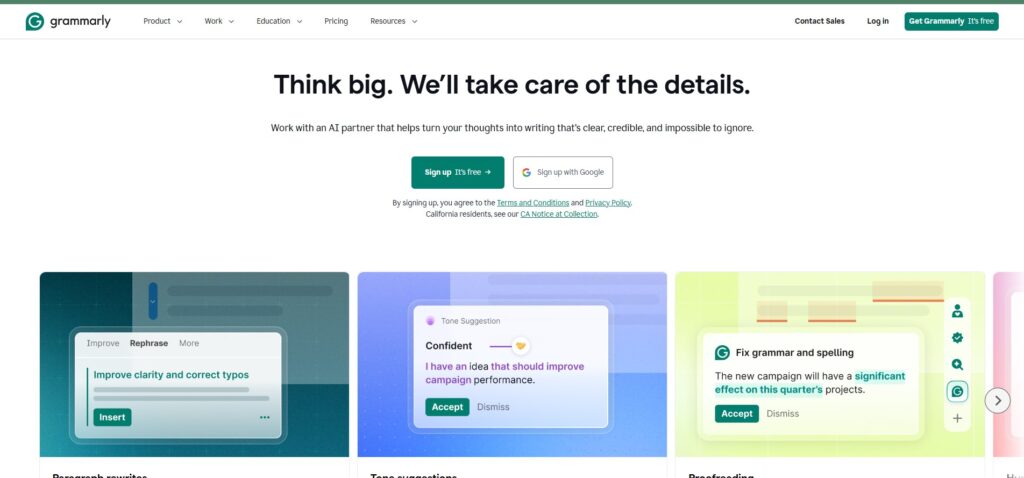
I personally say Grammarly or a similar tool catching grammar and clarity issues before you submit something takes minutes, not the half hour you’d spend proofreading yourself line by line. The important habit here: use it to catch mistakes and improve clarity, not to rewrite your argument for you. Graders can tell the difference between polished-you and AI-written-you, and only one of those is actually building your skills.
- Time saved: 30-60 minutes per assignment
- Grammarly: https://grammarly.com
Add It Up
Across a normal week with a few lectures, one reading assignment, and some revision, this workflow realistically saves somewhere in the range of 8 to 12 hours — not because AI is doing your thinking, but because it’s handling the repetitive, mechanical parts that were never really “learning” in the first place.
The Line You Shouldn’t Cross
Every tool above is built to remove friction from tasks that don’t require your judgment — transcribing, summarizing, scheduling, formatting. None of them are built to replace the parts where you actually have to think: solving the problem yourself, forming your own argument, understanding why an answer is correct. Universities are increasingly aware of the difference, and more importantly, skipping that part is the one thing that actually costs you later, in exams and in real understanding.
FAQ
Are these AI study tools free?
Most offer a genuinely usable free tier — Otter.ai, NotebookLM, and Grammarly all have free plans, with paid tiers unlocking higher usage limits.
Will using AI to summarize notes hurt my understanding?
Not if you use it to prioritize what to focus on, not to skip reading entirely. Pair summaries with active recall (flashcards, self-testing) for real retention.
What’s the single most time-saving tool for students in 2026?
Based on typical student workflows, automatic note transcription during lectures tends to save the most time, since it eliminates the after-class rewriting step entirely.
Is it okay to use AI for exam preparation?
Yes, for generating practice questions, flashcards, and summaries. Using it to answer exam questions directly during a test is a different matter and violates most academic integrity policies.
More blogs
10 Best AI Tools for Students in 2026 https://aihowk.com/10-best-ai-tools-for-students-in-2026-free-tested/
10 Best Free AI Tools in 2026 (Tested & Reviewed) https://aihowk.com/best-free-ai-tools-2026/