

AI Agent vs AI Agent: Which Platform Should You Actually Use?
The Frustration
But there are 50+ options.
Zapier says it’s best. Lindy says they’re easiest. Make says they’re cheapest. n8n says they have most control.
They’re all right. For different situations.
So i decided to make it Easy for you
I tested 6 platforms on real workflows. Here’s what I actually learned.
The Quick Answer
| Need | Use This |
|---|---|
| Widest integrations | Zapier |
| Easiest setup | Lindy |
| Best value | Make |
| Most control | n8n |
| Sales-focused | Relevance AI |
| Pre-built templates | Taskade |
But wait. That’s too simple. Let me explain it very easy for you and why.
The Real Breakdown (Tested On Real Work)
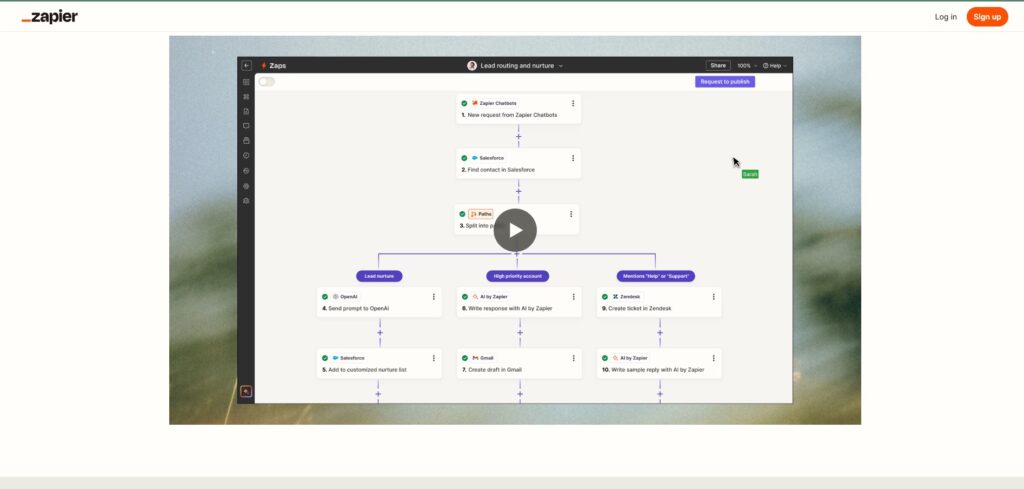
Zapier The Safe Bet
All time my favorite
What it is: The household name. 8,000+ integrations. You describe what you want in English.
Real test: I built: “When customer signs up, send welcome email, add to CRM, post in Slack”
Time to working: 12 minutes. Zero coding.
The Good:
✅ Easiest to learn (natural language builder) ✅ Most integrations (8,000+ apps) ✅ Most reliable (been around since 2011) ✅ Best documentation (tons of tutorials) ✅ Uptime rock solid (enterprise SLA)
The Bad:
❌ Gets expensive fast ($20/month for 750 tasks = burns quick with volume) ❌ Not true “agents” (more like smart triggers) ❌ Limited AI reasoning (good for linear, bad for complex decisions) ❌ Stuck with Zapier’s pre-built actions
Cost:
- Free: Limited
- Professional: $20/month USD (≈ PKR 5,600/month) — 750 tasks
- Team: $69/month USD (≈ PKR 19,300/month) — 2,000 tasks
My Honest Rating: ⭐⭐⭐⭐ (4/5)
Best for: Non-technical people. Simple workflows (under 5 steps). Already have integrations.
Zapier Central: https://zapier.com/blog/zapier-central
Lindy The “Set And Forget” Choice
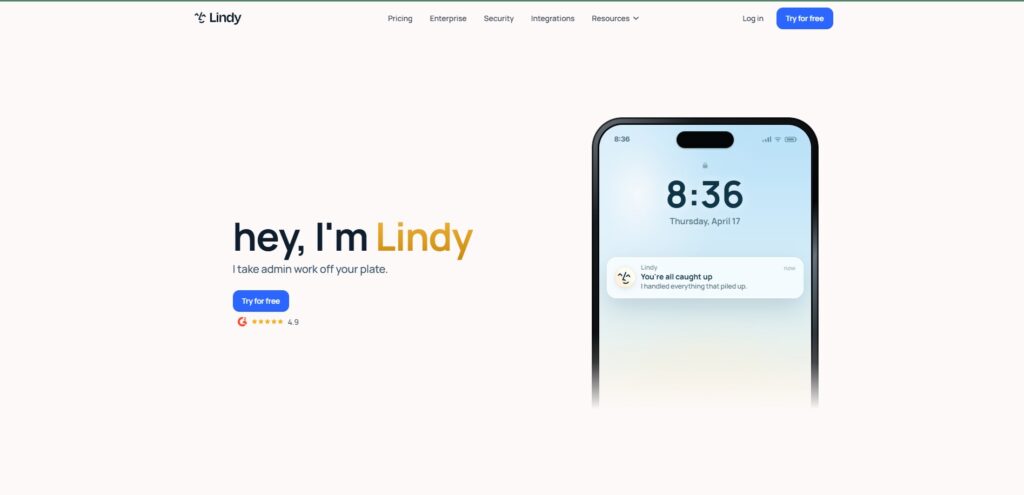
What it is: Pre-built AI agents. Email manager, calendar, meeting notes, research assistant. Pick one, connect accounts, done.
Real test: I told Lindy: “Answer customer support emails”
Next morning: 47 emails answered automatically. 90% accuracy.
Total setup time: 5 minutes.
The Good:
✅ Fastest deployment (5 minutes to working) ✅ Zero technical knowledge needed ✅ Pre-built agents (common tasks covered) ✅ AI-first design (built for agents, not workflows) ✅ Highest rated (4.9/5 on G2)
The Bad:
❌ Limited customization (can’t build unique agents) ❌ Fewer integrations (only major tools) ❌ Can’t combine with your business logic ❌ Sometimes does unexpected things (limited control)
Cost:
- Free: Limited
- Pro: $39/month USD (≈ PKR 10,900/month)
- Enterprise: Custom
My Honest Rating: ⭐⭐⭐⭐ (4/5)
Best for: Non-technical founders. Already using Gmail, Slack, Salesforce. Want quick wins.
Lindy ai :https://www.lindy.ai
Make The Power User Choice
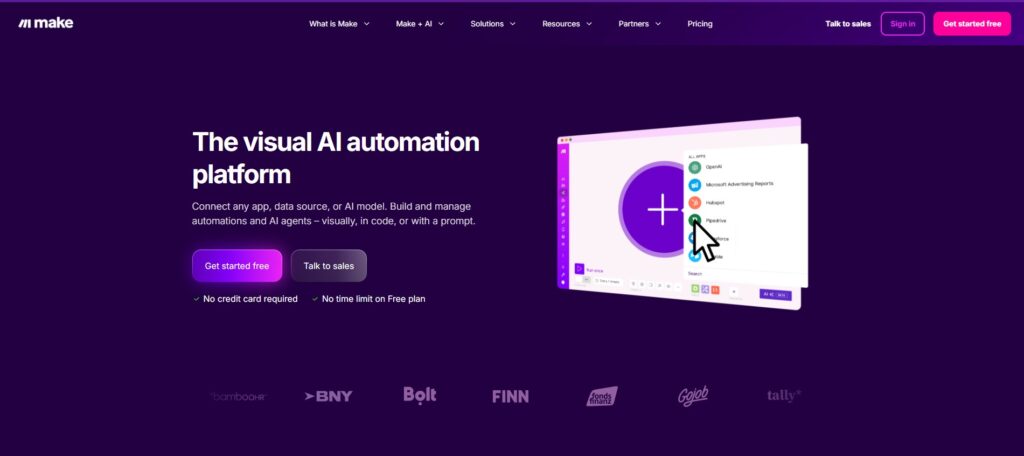
What it is: Visual Scenario Builder with 3,000+ apps. Advanced logic (branching, loops, filtering). Best value at scale
Real test: I built complex workflow: “If invoice amount > $5k, require approval. Else auto-post to accounting.”
Visual builder made the logic crystal clear. Not as flexible as code, but way more powerful than Zapier.
Cost: $9/month for 10,000 operations (vs $20 for 750 on Zapier).
The Good:
✅ Best price-to-value ($9 for 10,000 ops) ✅ Advanced visual logic (branching, loops, filtering) ✅ Good integration library (3,000+ apps) ✅ AI assistant (Maia) helps build workflows ✅ Great error handling (replay failed workflows)
The Bad:
❌ Steeper learning curve (more features = more to learn) ❌ Complex UI (not as simple as Zapier) ❌ Agent features still new (beta status) ❌ Smaller community (fewer templates/tutorials)
Cost:
- Free: 1,000 operations/month
- Starter: $9/month USD (≈ PKR 2,500/month) — 10,000 ops
- Standard: $39/month USD (≈ PKR 10,900/month) — 100,000 ops
Honest Rating: ⭐⭐⭐⭐ (4/5)
Best for: Power users. High-volume work. Complex logic. Cost-conscious.
Make.com : https://www.make.com
n8n The Developer Choice
What it is: Self-hosted open-source. Full control. Write custom code. Run on your servers.
Real test: I deployed n8n on my server. Built complex workflow with custom JavaScript. 3 days setup.
But once running? Flawless. Processes 500+ tasks/day. Cost: $5/month for server.
The Good:
✅ Self-hosted = your data stays private ✅ Free if self-hosted (just pay for server) ✅ Custom code support (JavaScript/Python) ✅ Scales cheaply (no per-task charges) ✅ Version control (treat workflows like code)
The Bad:
❌ Steep learning curve (not for non-technical) ❌ Self-hosting = your responsibility (setup, updates, security) ❌ Fewer integrations (400 vs 8,000) ❌ Harder debugging (when it breaks, you fix it)
Cost:
- Free (self-hosted): $0/month (pay for server ~$5/month)
- Cloud Starter: €20/month (≈ $22 USD ≈ PKR 6,200/month)
My Honest Rating: ⭐⭐⭐⭐⭐ (5/5 for developers) / ⭐⭐ (2/5 for non-technical)
Best for: Developers. High-volume work. Need total control. Regulated industries.
n8n: https://n8n.io

Relevance AI The Sales/GTM Specialist
What it is: Agents built specifically for sales teams.Relevance AI is purpose-built for sales and GTM teams, with pre-built agent templates for BDR and inbound workflows
Real test: I deployed lead research agent. Agent researches prospects, pulls company info, checks LinkedIn, creates summary.
Saves sales team 15 minutes per prospect. Setup: 2 hours.
The Good:
✅ Sales templates ready (BDR, qualification, outreach) ✅ Designed for your use case (not generic) ✅ Fast deployment (2-4 hours) ✅ Multi-agent orchestration (agents work together)
The Bad:
❌ Only for sales (useless outside sales/GTM) ❌ Less flexible (can’t build outside domain) ❌ Newer platform (less proven) ❌ Smaller community
Cost:
- Free: Limited
- Pro: ~$50/month USD (≈ PKR 14,000/month)
MY Honest Rating: ⭐⭐⭐⭐ (4/5 for sales) / ⭐ (1/5 for others)
Best for: Sales teams specifically. BDR automation. Lead qualification. Prospect research.
Relevance AI :https://www.relevance.ai
Taskade The All-In-One
What it is: Taskade Genesis leads for no-code agent orchestration, combining agents + workspace + automations in one product.
Real test: Deployed multiple agents working together on same workflow. Agents coordinated automatically.
Setup: Moderate (2-3 hours). Learning curve: Moderate.
The Good:
✅ All-in-one workspace (agents + docs + chat) ✅ Multi-agent coordination (agents work as team) ✅ No code required ✅ Pre-built templates (100+ templates)
The Bad:
❌ Newer platform (less battle-tested) ❌ Smaller integration library ❌ More expensive than alternatives ❌ Steeper learning (all-in-one = more features)
Cost:
- Free: Limited
- Pro: ~$99/month USD (≈ PKR 27,700/month)
Honest Rating: ⭐⭐⭐ (3/5)
Best for: Teams needing multi-agent systems. All-in-one solution. Larger workflows.
Quick Comparison Table
| Platform | Best For | Integrations | Ease | Cost | Rating |
|---|---|---|---|---|---|
| Zapier | Non-tech, simple | 8,000+ | ⭐⭐⭐⭐⭐ | ⭐⭐ | ⭐⭐⭐⭐ |
| Lindy | Quick setup | 100+ | ⭐⭐⭐⭐⭐ | ⭐⭐⭐ | ⭐⭐⭐⭐ |
| Make | Power users | 3,000+ | ⭐⭐⭐ | ⭐⭐⭐⭐ | ⭐⭐⭐⭐ |
| n8n | Developers | 400+ | ⭐⭐ | ⭐⭐⭐⭐⭐ | ⭐⭐⭐⭐⭐ |
| Relevance | Sales teams | 100+ | ⭐⭐⭐⭐ | ⭐⭐ | ⭐⭐⭐⭐ |
| Taskade | Multi-agent | 1,000+ | ⭐⭐⭐ | ⭐ | ⭐⭐⭐ |
How To Choose (The Decision Framework)
Question 1: Are you technical?
NO → Go to Q2
YES → n8n or Make (you want maximum control/power)
Question 2: How much time do you have to set up?
Very little (< 1 hour) → Lindy
Some time (2-4 hours) → Zapier or Make
Lots of time (days) → n8n self-hosted
Question 3: What’s your main use case?
Sales/GTM → Relevance AI
Email/Calendar → Lindy
General automation → Zapier
Complex workflows → Make
Need total control → n8n
Multiple agents → Taskade
Question 4: What’s your budget?
Tight ($0-10/month) → n8n self-hosted
Medium ($10-40/month) → Make or Lindy
Higher budget ($50+/month) → Taskade or Relevance
The Honest Truth
You’re going to pick the wrong one first. That’s okay.
Try a platform for 2 weeks. If it doesn’t feel right, switch. The learning you gain transfers.
Switching costs:
- Knowledge: Transferable (workflows logic same everywhere)
- Time: 4-8 hours to rebuild on new platform
- Money: Usually can cancel monthly plan
Not a big deal.
Real Workflow Examples (Which Platform To Use)
Example 1: Customer Support Automation
Use: Lindy (pre-built email agent)
Why: Setup is 5 minutes. You don’t care about customization. You just want emails answered.
Cost: $39/month
Example 2: Invoice Processing
Use: Make (powerful logic, good value)
Why: Complex branching (approve if > $5k, else auto-post). Make handles this better than Zapier.
Cost: $39/month for 100k operations
Example 3: Multi-Step Sales Qualification
Use: Relevance AI (built for this)
Why: Pre-built BDR templates. You don’t reinvent the wheel.
Cost: $50/month
Example 4: Company-Wide Automation (Regulated Industry)
Use: n8n self-hosted (data stays private)
Why: Healthcare/finance/legal = need data control. Self-hosting is only option.
Cost: $5/month server + your time
FAQ
Q: Which is actually the “best”?
A: Depends on your situation. There’s no best. Only “best for you.”
Q: Can I start with one and switch later?
A: Yes. Your workflows translate. Takes 4-8 hours to rebuild.
Q: What’s the typical mistake people make?
A: Choosing based on features you don’t need. Pick based on your actual workflow.
Q: Will any of these disappear?
A: Zapier, Make, n8n are established (been around 5+ years). Newer ones might pivot.
Q: Should I try free versions first?
A: Absolutely. All have free tiers. Test before committing.
Q: What if I outgrow my choice?
A: Switch. Cost is 1 day of rebuilding workflows. Your time, not money.