
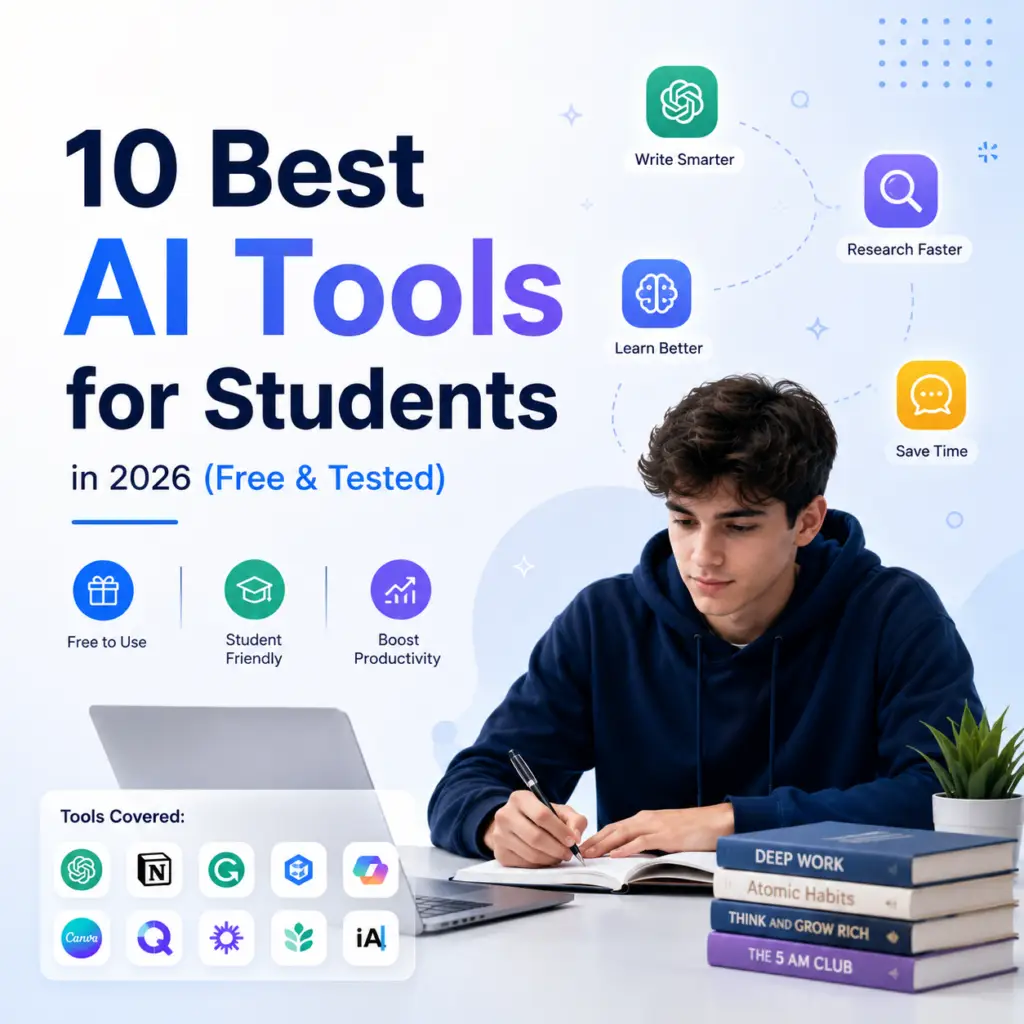
10 Best AI Tools for Students in 2026
How I Chose These Tools
I’ve spent the last few semesters testing almost every AI app that promised to “save students hours.” Most of them didn’t. A handful actually changed how I study, write, and prep for exams. This list is only the tools that earned a permanent spot on my phone’s home screen not a copy paste of whatever’s trending on Twitter this week.
If you’re a student trying to figure out which AI tools are actually worth your time (and sometimes your money), here’s my honest breakdown of the ten I’d recommend to a friend starting fresh in 2026
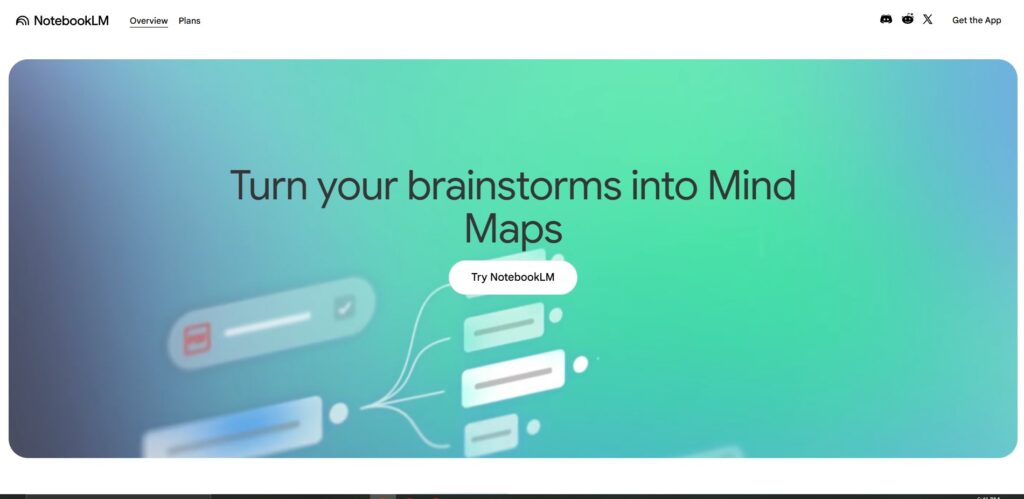
NotebookLM Best for Studying from Your Own Materials
This one surprised me. I started uploading my lecture slides and PDF readings into NotebookLM, and it builds a source-grounded assistant that only answers from your own material no random internet guesses mixed in. Before a midterm, I ask it to summarize a whole chapter or generate a quick quiz from my own notes, and it sticks to what I actually gave it.
For research-heavy subjects where accuracy matters more than creativity, this beats a general chatbot.
Best for: Summarizing your own lecture notes, research papers, and readings into digestible study material. Pricing: Free to use with a Google account. Official site: notebooklm.google
NotebookLM: https://notebooklm.google.com
Perplexity AI Best for Research with Real Sources
Whenever a professor says “cite your sources properly,” Perplexity is what I reach for instead of a plain search engine. It answers your question directly and shows exactly which article, paper, or site it pulled the information from, so you can click through and verify it yourself instead of taking an AI’s word for it.
I’ve caught it being wrong before, which is exactly why the visible citations matter — you can check rather than blindly copy.
Best for: Research assignments, fact-checking, literature reviews. Pricing: Free plan with generous daily searches. Pro plan is $20/month (approx. PKR 5,600/month). Verified students can often get a discounted education plan — check the current student offer on their site since it changes. Official site: perplexity.ai
Perplexity: https://perplexity.ai
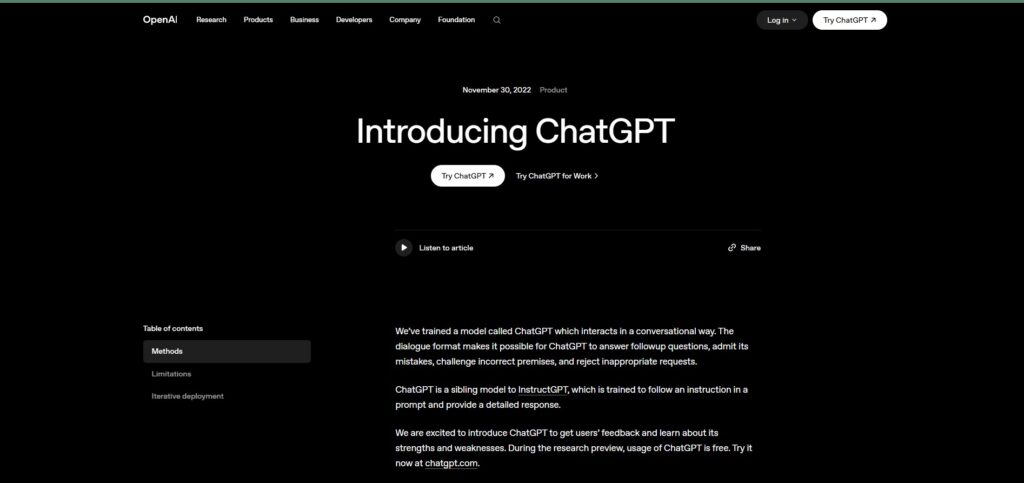
ChatGPT Best All Purpose Study Assistant
OMG I used it alot alot alot 😄 ChatGPT remains the most flexible tool on this list, and the free tier in 2026 is genuinely useful or not just a stripped-down demo.
ChatGPT is still the tool I open first when I’m stuck on a concept at 1 a.m. and don’t want to scroll through five different YouTube videos. I use it to break down dense textbook chapters into plain language, generate practice questions before a quiz, and get a second opinion on essay structure before I submit anything.
What makes it genuinely useful for students isn’t the writing — it’s the back-and-forth. You can ask it to explain the same concept three different ways until one finally clicks, which a static textbook can never do.
Best for: Explaining difficult topics, brainstorming assignment ideas, quick research summaries. Pricing: Free plan available. Plus plan is $20/month (approx. PKR 5,600/month). Official site: chatgpt.com
ChatGPT: https://chat.openai.com
Grammarly Best for Fixing Your Writing Before You Submit
I don’t use Grammarly to write for me — I use it after I’ve already written something, to catch the mistakes I stop noticing after reading my own paragraph for the tenth time. Awkward phrasing, repeated words, tone that reads too casual for a formal submission — it flags all of it.
The free version genuinely covers what most students need. I only reach for the paid tier during thesis or major-report season when I want the deeper clarity and tone suggestions.
Best for: Grammar, clarity, and tone-checking your essays and emails. Pricing: Free plan available. Pro plan is $12/month billed annually (approx. PKR 3,360/month), or $30/month if billed monthly (approx. PKR 8,400/month). Verified students may qualify for an education discount. Official site: grammarly.com
Grammarly: https://grammarly.com
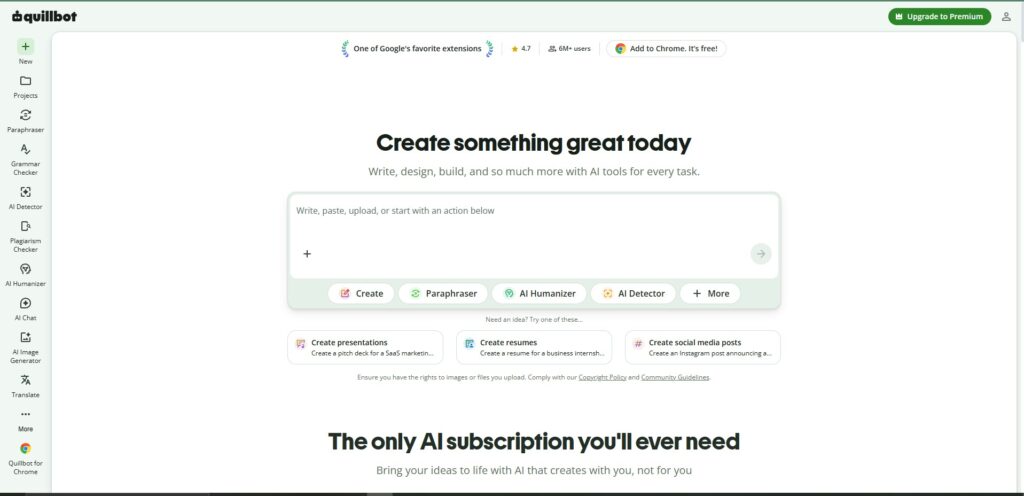
QuillBot Best for Paraphrasing and Simplifying Complex Text
QuillBot earns its spot for one specific job: taking a clunky paragraph I’ve written and helping me rephrase it so it actually flows. I also use its summarizer when I’m handed a 20-page reading and need the core argument before class discussion, not the whole thing word for word.
A word of honest advice here — don’t use it to paraphrase someone else’s work and submit it as original research. That’s still plagiarism, and professors are getting better at spotting it every semester.
Best for: Paraphrasing your own drafts, quick summaries of long readings. Pricing: Free plan with limits. Premium is around $8.33/month billed annually (approx. PKR 2,332/month). A discounted student plan is usually available for around $6.25/month (approx. PKR 1,750/month). Official site: quillbot.com
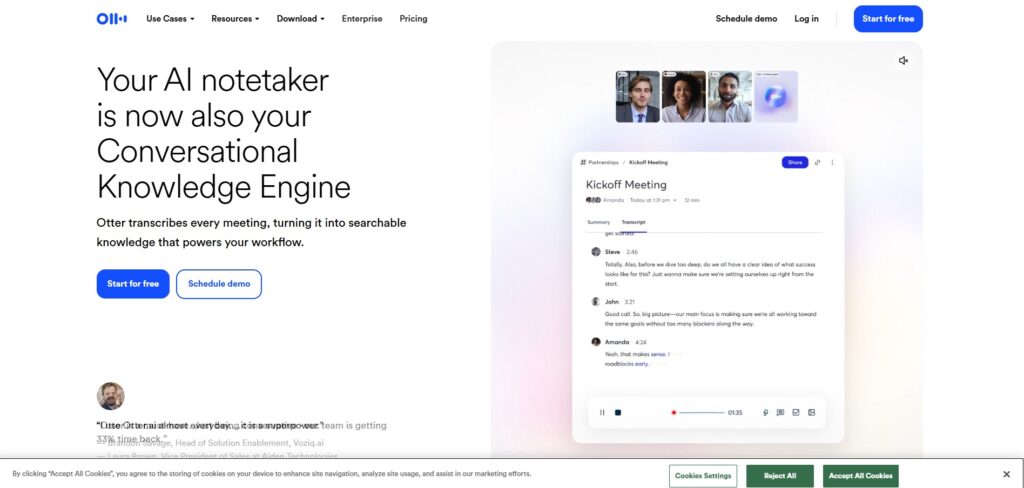
Otter.ai Best for Recording and Transcribing Lectures
I thing most of students dont know about that tool Beasue when i hear it first time i was Shoked 😄Taking verbatim notes during a fast-moving lecture is nearly impossible for most students. Otter.ai solves this by recording your classes and converting the audio to a searchable, timestamped transcript in real time.
After the lecture, you can search the transcript for any word or phrase, jump to specific moments, and review the AI-generated summary of the key points. It integrates with Zoom and Google Meet for online classes. The speaker identification feature labels different voices, which is useful for seminars and group discussions.
The free tier gives 300 transcription minutes per month, which is enough for several lectures a week. You can also share transcripts with classmates who missed a session.
Best for: Lecture recording, transcription, study group notes.
Free tier: 300 transcription minutes per month, 30 minutes per session.
Paid plan: Pro at $16.99/month (approx. PKR 4,757/month) for 1,200 minutes and longer sessions.
Otter.ai: https://otter.ai
Google Gemini Best for Students in the Google Ecosystem
I thing i dont want to tell you about this tool beause most of you already Know about that tool its also helps me alot in my studes If your academic life runs on Google Docs, Drive, Gmail, and Meet, Gemini integrates into all of them in a way that none of the other tools on this list can match.
Beause Gemini’s Deep Research feature is particularly useful for intensive projects. You describe what you are researching, and it synthesizes information from across the web into a comprehensive report and similar to Perplexity, but more conversational and better connected to your existing Google files. Google for Education reported that university students are using Gemini to process large datasets for complex analysis work that used to require hours of manual research.
The free tier includes Google Search integration and Gemini Live, a voice-based AI assistant useful for talking through ideas when you are too tired to type.
Best for: Google Workspace users, research-heavy courses, voice-based study sessions.
Free tier: Gemini Flash with Google Search and Workspace integrations
. Paid plan: Google AI Pro at $19.99/month (approx. PKR 5,597/month).
Official link: gemini.google.com
Gamma Best for Building Presentations Faster Than Anyone in Your Class
OMG when I use Gamma The experience of staring at a blank PowerPoint deck at eleven the night before a presentation is universally understood. Gamma is the tool that makes that experience unnecessary.
You type a rough outline or paste in your notes, and Gamma builds a complete, visually clean presentation and slides, layout, structure, and placeholder content all generated in under a minute. From there, you edit, rearrange, and replace placeholder text with your actual content. The end result looks professionally designed even if you have zero design skills.
The free tier gives you enough credits for several presentations. Paid plans remove limits if you use it regularly.
Best for: Course presentations, project pitches, visual summaries.
Free tier: Limited monthly credits, enough for occasional use.
Paid plan: Plus at approximately $10/month (approx. PKR 2,800/month).
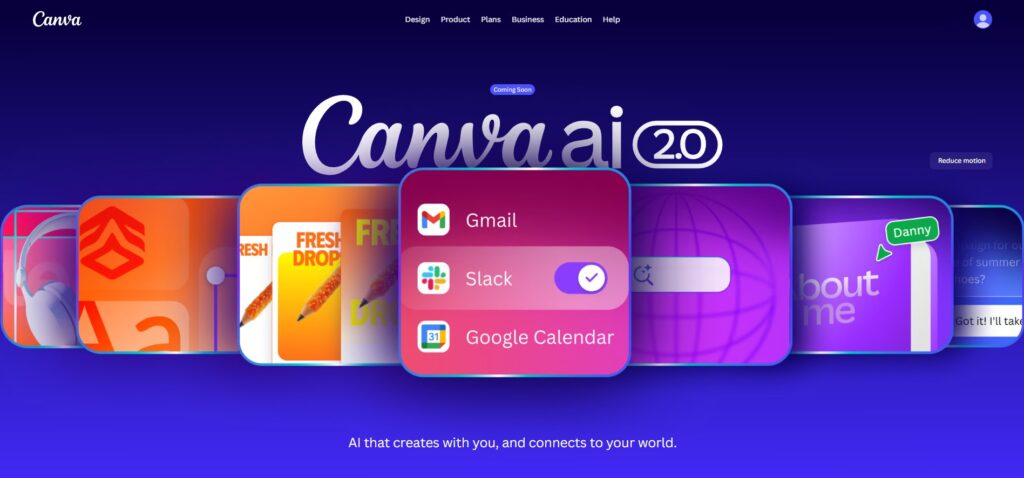
Canva AI Best for Visual Projects and Non-Design Students
How can we forgot about that Tool 👌 Not every student needs to build presentations from scratch to the sometimes you need a poster, an infographic, a social media graphic for a school event, or a visual summary of research. Canva’s AI features handle all of these.
The Magic Design feature lets you describe what you want and generates templates automatically. The AI image generator creates custom visuals for your projects without requiring any design knowledge. For group projects, multiple people can collaborate on the same Canva file simultaneously.
Also The free tier is genuinely capable. Most students never need the paid version.
Best for: Visual projects, infographics, posters, group presentations.
Free tier: AI templates, basic image generation, collaboration.
Paid plan: Pro at approximately $13/month (approx. PKR 3,640/month).
Notion AI Best for Keeping Everything Organized
I personally use that Tool I use its veery Good Assignments, deadlines, lecture notes, research, group project tasks, reading lists or student life generates an enormous amount of information to track. Notion is a note taking and organization tool, and the built-in AI makes it smarter than a regular notes app.
You can ask Notion AI to summarize your notes, find connections between ideas across different notes, turn a rough bullet list into a structured study plan, or generate flashcards from your lecture notes. Everything stays in one place, searchable, and accessible across your phone, tablet, and computer.
The free tier is substantial enough for most individual student use.
Best for: Notes, task management, study plans, research organization.
Free tier: AI features included with generous storage limits.
Paid plan: Plus at $10/month (approx. PKR 2,800/month) for more advanced AI and file uploads.
Notion AI: https://notion.so
How to Build Your Personal AI Study Stack
My personal Advise to all of my students brothers
Ten tools is a lot. Here is the honest advice: do not try to use all of them at once.
SO Start with one tool based on your biggest pain point right now, then add a second after a week or two.
If your biggest problem is understanding course material → Start with NotebookLM. Upload your notes and ask it questions.
If your biggest problem is finding credible sources → Start with Perplexity AI.
If your biggest problem is writing quality → Start with Grammarly. Run everything through it before you submit.
If your biggest problem is keeping track of everything → Start with Notion AI and use it as your central hub.
If your biggest problem is presentations → Start with Gamma and build from there.
The goal is not to automate your education. It is to remove the friction from the parts that eat your time without building your skills — the formatting, the searching, the transcribing — so you can spend more of your mental energy on the parts that actually matter.
Final Thoughts
I personaly used all of that tools SO in 2026 where using them is not an unfair advantage — it is a basic skill, much like knowing how to use a library database or a spreadsheet. The students who thrive are not those who avoid these tools or those who let the tools do everything. They are the ones who learn how to use them strategically, as partners in their learning rather than replacements for it.
All ten tools on this list are free to start. Pick one, spend a week with it, and see how it fits into the way you already work. That is more useful than reading twenty more comparison articles.
❓ FAQ SECTION
Q: Are AI tools for students actually free? A: Yes — every tool on this list has a genuine free tier that requires no credit card to access. Some have paid upgrades for higher limits or more advanced features, but the free versions are fully functional for typical student use.
Q: Is using AI tools cheating? A: It depends entirely on how you use them and what your institution’s policy says. Using AI to help you understand a concept, organize your notes, or improve the grammar of your own writing is different from using AI to write your essay for you. Over 60% of US universities now have AI policies that permit certain uses with proper disclosure. Always check your own institution’s guidelines first.
Q: Which AI tool is best for writing essays? A: For essay support, the best combination is ChatGPT for brainstorming and structure, Grammarly for editing and clarity, and Perplexity for finding credible sources. None of these tools should be writing your essays for you — they work best when you are doing the thinking and using the tools to sharpen and support your work.
Q: Can I use these tools on my phone? A: Yes. ChatGPT, Gemini, Grammarly, Notion, and Canva all have mobile apps. Perplexity, QuillBot, and Otter.ai work through mobile browsers. Most of them are fully functional on a phone or tablet.
Q: Will AI tools replace the need to study? A: No. AI tools are study aids, not substitutes for learning. They are most useful for removing friction from the support tasks — searching, transcribing, formatting, organizing — so you can spend more time on actual understanding. Students who rely on AI to do their thinking tend to underperform on exams and practical assessments where AI is not available.
Q: Which tool is best for research papers? A: Perplexity AI for finding and verifying sources, NotebookLM for synthesizing your own collected materials, Grammarly for polishing your writing, and QuillBot for simplifying dense academic text you need to understand.
More Articals
Best way Students Are Saving 10+ Hours a Week With AI in 2026 (Real Workflow)
10 Best Free AI Tools in 2026 (Tested & Reviewed)
How to Make Money With Free AI Tools in 2026 (No Hype, Just What Works)