
I remember the exact moment I got overwhelmed by AI tools. I opened my browser, typed “best AI tools,” and got a list of 50 different apps, half of them with names that sounded like sci-fi movies. I had no ideawhy and where to start, and honestly, neither do most people when they first dip their toes into AI 😀.
😉Here’s the good news: you don’t need ten subscriptions or a computer science degree to get real value out of AI in 2026. A handful of free tools can already cover writing, research, design, and daily productivity — and most of them work the moment you sign up, no credit card required yes true.
In this guide, I’m sharing the 10 free AI tools that actually deliver, based on what real beginners use every day. No fluff, no “sponsored” picks — just tools that work yes its true so dont forgot to thanks to me.😁
Why Free AI Tools Are Worth Using in 2026
A lot of people assume “free” means “limited” or “low quality 😐 but thats falls.” That used to be true a couple of years ago, but it isn’t anymore. In 2026, free tiers from major AI companies are genuinely useful not just trial gimmicks. Companies want you using their product daily, so they’ve made the free versions strong enough to keep you around and thats great for us.
That said, free tiers do come with usage limits (a certain number of messages per day, or smaller models compared to the paid versions) but its ok . That’s perfectly fine for beginners you’ll rarely hit those limits until you’re using AI heavily every single day.
How I Picked These Tools
Before listing anything, here’s what I looked for:🙂
- Genuinely free — not a 7-day trial disguised as “free”hmm
- Easy to start — no complicated setup or technical knowledge needed yes
- Useful on day one — you should get value within minutes of signing up 😀
- Actively updated — the tool is still being improved in 2026, not abandoned
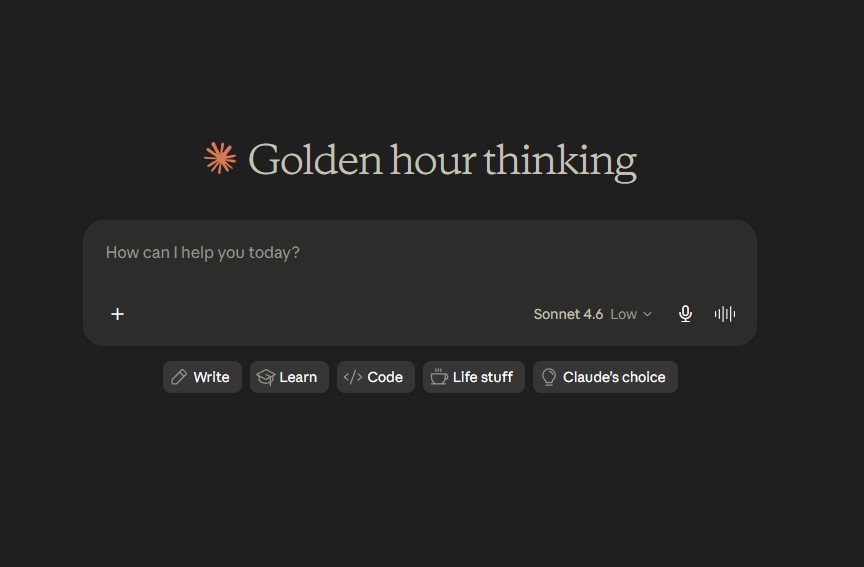
Claude / Best for LongForm Writing and Careful Answers
Claude tends to write in a more natural, less “robotic” tone than other AI assistants, which makes it a favorite for people who need help with reports, essays, or detailed explanations. It’s also solid for reading and summarizing long documents.
Best for: Long-form writing, detailed explanations, document analysis Free tier includes: Daily message limits that reset regularly Paid plan: Pro at $20/month (approx. PKR 5,600/month)
Why it’s worth trying: If ChatGPT’s answers ever feel too generic for you, Claude is usually the next tool people switch to for writing quality.
⭐ AIHowk Rating: 9.8/10
Official Website:
https://claude.ai
ChatGPT / Best All Arounder AI Assistant
😐If you only try one AI tool this year, make it this one. ChatGPT is the most versatile assistant out there you can use it to brainstorm ideas, draft emails, summarize long articles, explain a tricky topic, or just bounce ideas around when you’re stuck and yes.
Best for: General use, writing, brainstorming, quick research Free tier includes omg: Limited daily messages on the latest model, basic image generation, and file uploads Paid plan: 🙄Plus starts at $20/month (approx. PKR 5,600/month) for higher limits and faster responses
Why I recommend it first: beacuse It’s the easiest tool to start with. You don’t need to know what to ask you can literally typeany thing “I don’t know where to start” and it’ll guide you and its helps you alot trust me.
⭐ AIHowk Rating: 9.9/10
Official Website:
https://chatgpt.com
Gemini / Best If You Live Inside Gmail and Google Docs😄
Gemini is Google’s AI, and its biggest advantage is how deeply it connects with tools you probably already use your Gmail, Docs, Sheets, and Drive. If your daily work happens inside Google’s ecosystem, then Gemini saves you from constantly switching tabs yes.
Best for: Research, writing inside Google Docs, anyone using Gmail daily Free tier includes: ☺ Access to a fast model with daily usage limits, plus NotebookLM access Paid plan:😊Google AI Pro at $19.99/month (approx. PKR 5,580/month)
Quick tip: If you’re a student, check if you qualify for free access through your university email becouse Google has run student promotions in the past.
⭐ AIHowk Rating: 9.5/10
Official Website:
https://gemini.google.com
NotebookLM Tool Best for Studying and Research
This one flies under the radar, but it’s genuinely one of the most useful free tools for students. 📊You upload your own documents (PDFs, notes, websites, even YouTube videos) yes even vedios , and NotebookLM turns them into summaries, study guides, or even a podcast style audio discussion of your material and its esy to use.
Best for: Students, researchers, anyone studying from their own notes Free tier includes: Up to 100 notebooks with generous source limits✨ Paid plan: Not required for most students — free tier is genuinely enough.
Why I like it: Unlike a regular chatbot, it only answers from the documents you give it to him so you don’t get random made-up information mixed into your study material for you.
⭐ AIHowk Rating: 9.4/10
Best For:
✔ Students
✔ Researchers
Official Website:
https://notebooklm.google.com
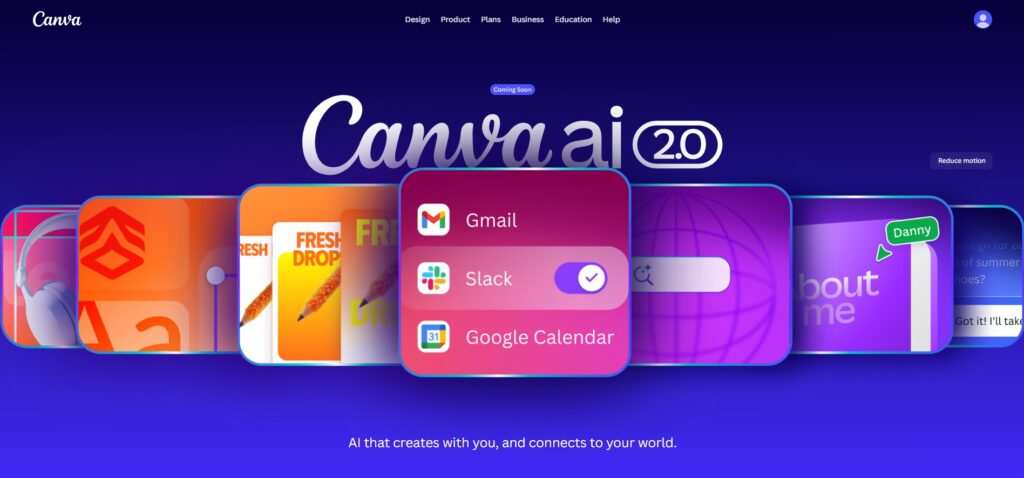
Canva (AI Features) Best for Beginners Who Can’t Design
You don’t need design skills to make something look professional amd cool anymore. because Canva’s AI features let you describe what you want, and it generates templates, layouts, and images for you to tweak.
Best for: Social media graphics, presentations, simple visuals and for your deaily use ✔ Free tier includes: AI image generation, templates, and basic design tools Paid plan: Canva Pro around $13/month (approx. PKR 3,640/month)
Why beginners love it: beacuse of You’re not staring at a blank canvas. You start with something already 80% done and easy.
⭐ AIHowk Rating: 9.3/10
Official Website:
https://www.canva.com
Perplexity AI / Best for Research You Can Actually Trust
✨Perplexity works differently than a typical chatbot give every answer comes with cited sources, so you can click through and verify the information yourself to do. That makes it one of the most reliable tools when accuracy matters a lot.
Best for: Fact-checking, research papers, finding sources quickly✔ Free tier includes: Unlimited basic searches with cited answers Paid plan: Pro at $20/month (approx. PKR 5,600/month) for deeper research and more model options
Why it matters: 📊If you’ve ever caught an AI tool confidently stating something wrong, Perplexity’s source of citing habit is a relief.
⭐ AIHowk Rating: 9.6/10
Official Website:
ttps://www.perplexity.ai
Grammarly / Best for Polishing What You Already Wrote
Grammarly isn’t flashy ✨, but it’s one of the most practical AI tools for daily use. Beyond catching typos, its AI now rewrites sentences for clarity and even generates short pieces of text from the scratch.
Best for:✔ Emails, reports, cleaning up writing before sending ✔ Free tier includes: Grammar checks, clarity suggestions, and basic AI rewrites ✔Paid plan: Premium starts around $12/month (approx. PKR 3,360/month)
Why it’s a staple:💕 It works inside your browser, email, and most writing apps that you use so it catches mistakes before you even notice them.
⭐ AIHowk Rating: 9.3/10
Official Website:
https://www.grammarly.com
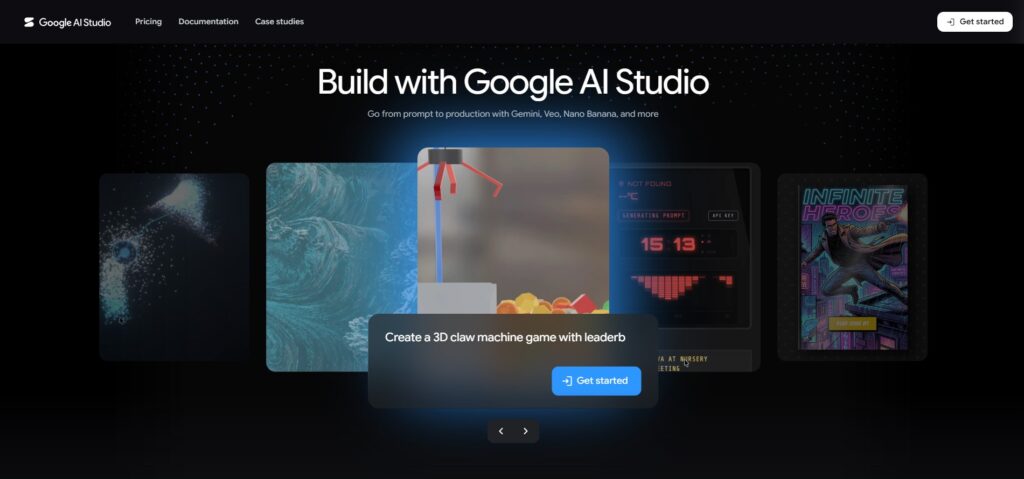
Google AI Studio / Best for Curious Beginners Who Want to Experiment with any thing
If you’re even slightly curious about how AI models work behind the scenes,✔so so shold try Google AI Studio lets you test prompts, generate images, and try out Google’s models in a simple web interface and completely free, no coding required to get started and easy to use.
Best for:😊 Experimenting, testing prompts, learning how AI responds differently ✔Free tier includes: Generous daily limits on Google’s models✔ Paid plan: Not needed for casual exploration
Why it’s underrated: Most beginners don’t know this exists, but it’s a great low and pressure way to learn how AI actually behaves✔.
⭐ AIHowk Rating: 9.2/10
Official Website:
https://aistudio.google.com
Gamma / Best for Turning Notes Into Presentations
Gamma takes your rough notes or ideas and turns them into a clean, professional and classy looking presentation or document in minutes. It’s a huge time saver if you’ve ever stared at a blank slide deck wondering where to start it.
Best for:✔ School presentations, business pitches, quick documents ✔Free tier includes: A set number of credits, enough for several presentations ✔Paid plan: Plans available if you need unlimited generations
Why beginners love it: 😊Type a rough outline, and it builds the slides, layout, and even images for you.
⭐ AIHowk Rating: 9.3/10
Official Website:
https://gamma.app
ElevenLabs / Best for Realistic AI Voice
✨If you ever need a voiceover for a video, presentation, or just to hear your writing read aloud voice ElevenLabs produces some of the most natural and sounding AI voices available, far from the robotic text to peech of a few years ago.
Best for: ✔Video voiceovers, accessibility, listening to your own writing Free tier includes: ✔A monthly character limit, enough for short projects ✔Paid plan: Starter plans begin around $5/month (approx. PKR 1,400/month)✔
☺Why it stands out:✔ It captures natural pauses and tone, so it doesn’t sound like a robot reading a script.
⭐ AIHowk Rating: 9.7/10
Official Website:
https://elevenlabs.io
How to Choose the Right Tool for You
✔With ten options, it’s easy to feel like you need to try everything at once. You don’t. Here’s the simplest way to start:
- If you want one tool that does almost everything → Start with ChatGPT ✔
- If you’re a student → Pair NotebookLM with Perplexity ✔
- If you need to design something → Canva ✔
- If you write a lot of reports or emails → Claude + Grammarly ✔
Pick one or two based on what you actually do day to day, and build from there. Most beginners don’t need five subscriptions and they need one tool they actually use consistently.
Final Thoughts
AI tools in 2026 have reached a point where “free” doesn’t mean “watered down” anymore. Whether you’re a student trying to study smarter, a freelancer looking to save time, or just someone curious about what AI can actually do for you, there’s a free tool on this list that fits your needs without costing a single dollar.
Start small. Pick one tool, use it for a week, and see how it fits into your routine before adding another.
❓ FAQ SECTION
Q: Are these AI tools really free, or is there a hidden cost?
A: All ten tools listed here have a genuine free tier with no credit card required to start. Some have optional paid or upgrades for higher usage limits, but you can use the free version indefinitely.
Q: Which AI tool is best for complete beginners?
A: ChatGPT is the easiest starting point because it doesn’t require you to know exactly what to ask as you can simply describe what you need help with.
Q: Can students use these tools for free?
A: Yes. NotebookLM, Perplexity, and ChatGPT’s free tiers are especially useful for students, and some tools occasionally offer extended free access through student verification.
Q: Do free AI tools save my data or use it for training?
A: This varies by company. Most platforms let you adjust data settings in your account preferences. Always check the specific tool’s privacy settings if this is a concern for you.
Q: How often should I expect these tools to change?
A: AI tools update frequently — pricing, features, and limits can shift every few months. We update this list regularly to stay accurate.
Why Trust AiHowk?
At AIHowk, we research, compare, and review AI tools using official documentation, yes and pricing information, and practical testing whenever possible.
Our goal is to provide honest and useful recommendations for readers and thats all for you.☺
Related Guides
- ChatGPT Complete Beginner’s Guide
- Best AI Writing Tools Compared
- AI Tools for Students
You May Also Like,
ChatGPT vs Claude vs Gemini
Best AI Tools for Students
NotebookLM Guide
AI Writing Tools Compared
Last Updated: June 2026